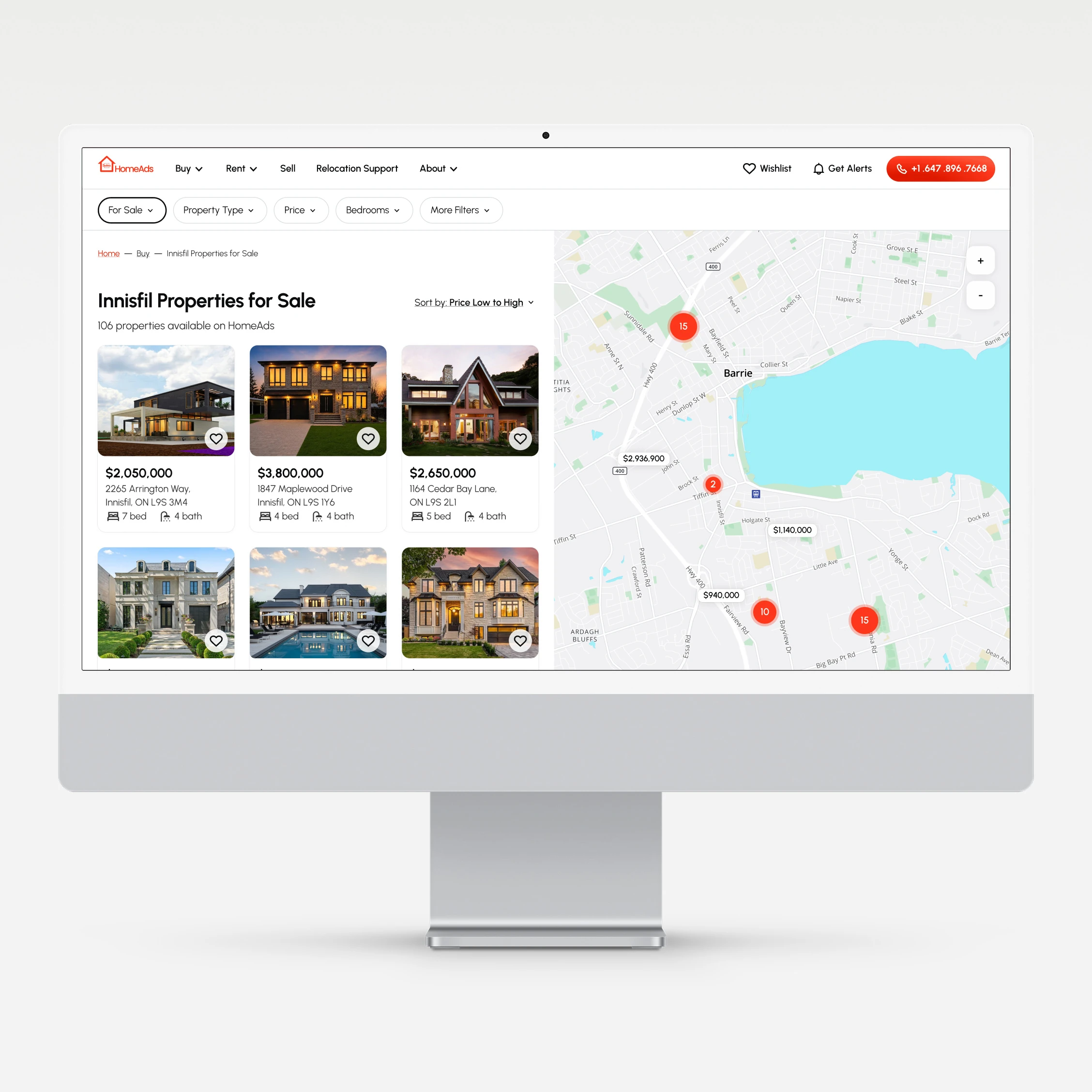
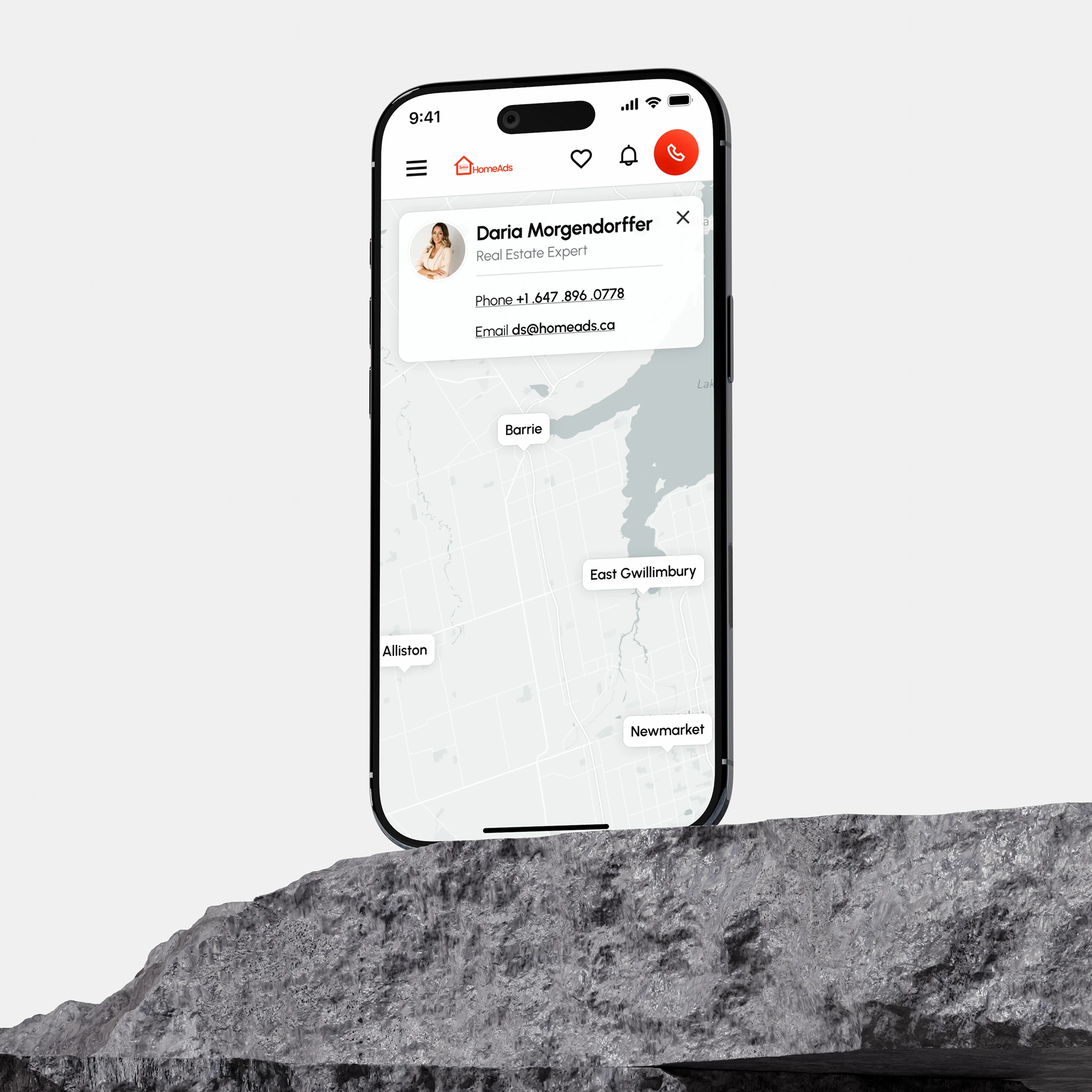
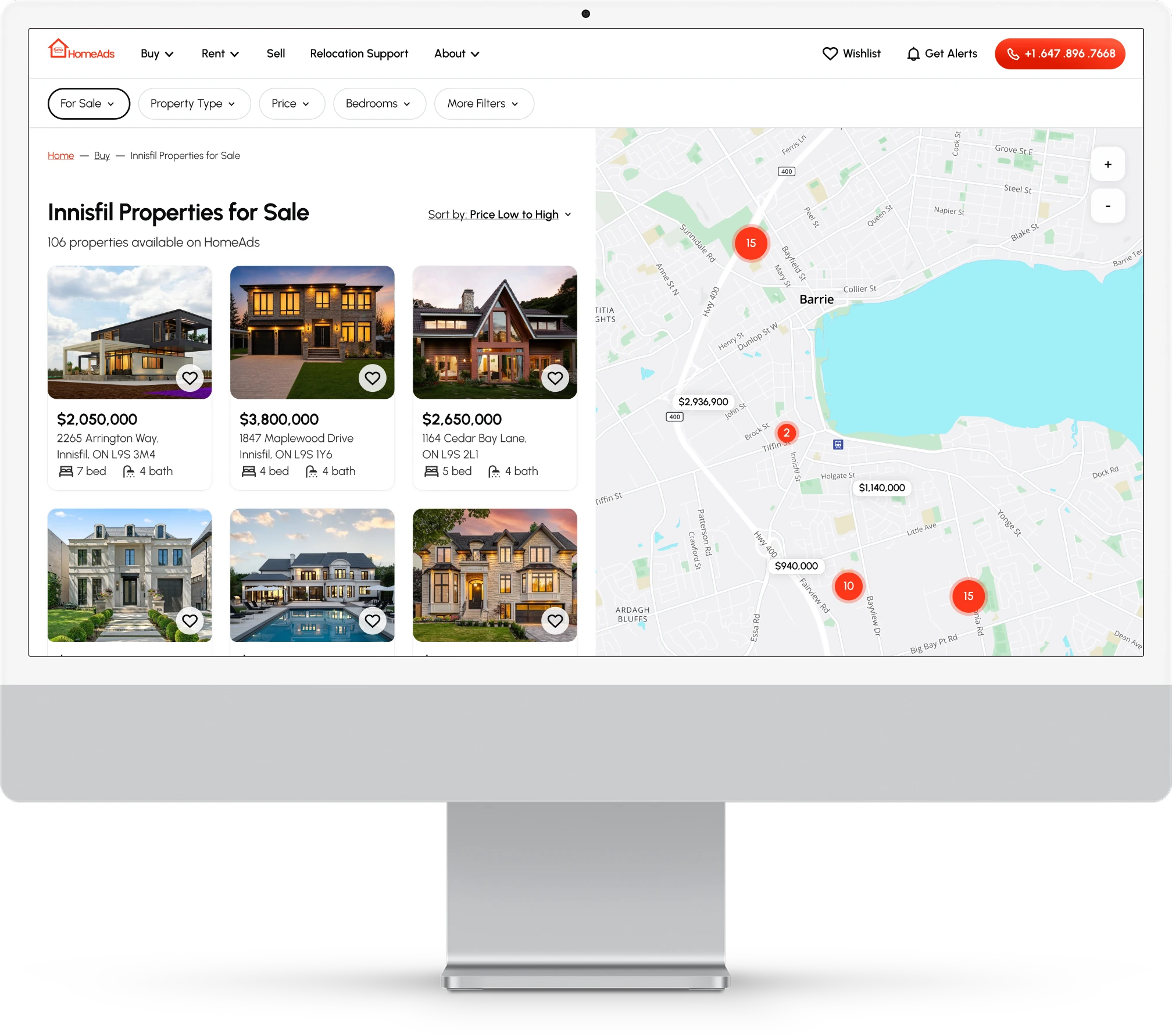
HomeAds: real estate agency website
Overview
Industry: Proptech · hospitality
The scope: Redesign HomeAds’ navigation, filtering, and core interface; establish a new visual language across the product; and strengthen the experience to support user trust, engagement, and conversions.
Role: Product designer (end-to-end UX/UI, research, visual design)
Type: Client work · live
The context
HomeAds is a privately owned real estate agency website for finding properties to buy, rent, and sell, as well as accessing resources for buyers and sellers. An outdated interface and fragmented UX were holding the experience back.
The constraints
Property data comes directly from MLS®, making the product data-heavy and development-intensive. Given the client’s budget constraints, the scope was limited to improving the existing functionality rather than introducing new features.
The process
A four-phase process was used, adapted to the needs of the project:
- Discovery: market, competitor, and user research
- Definition: information architecture, functionality, and user flows
- Prototyping: functional low-fidelity wireframes
- Design: visual identity and high-fidelity wireframes
I. Discovery: audit and usability testing
I began by reviewing all assets my client had available, including the existing website and its analytics, to understand how the site was performing.
Based on my findings, I formulated testable hypotheses and challenged my client to navigate their own website through a think-aloud task.
The purpose was not to showcase the website’s shortcomings. Rather, it stemmed from my belief that visuals sometimes convey meaning more effectively than a purely verbal description.
Primary scenario: Send a viewing request for a 4-bedroom rental townhouse located anywhere in Barrie.
My client was unable to complete the scenario on their own website, validating the hypotheses. More importantly, this approach allowed my client to be part of the process and helped us identify the biggest problem and first priority: reworking the information architecture.
II. User interviews and information architecture
The preliminary audit and user testing gave me the shape of the problem, but not the texture of it. I interviewed four people who had recently bought a home or were looking to.
Hearing people describe their search, their best and worst experiences, where uncertainty sat, which digital tools they were already using, and how those tools let them down helped refine the pain points.
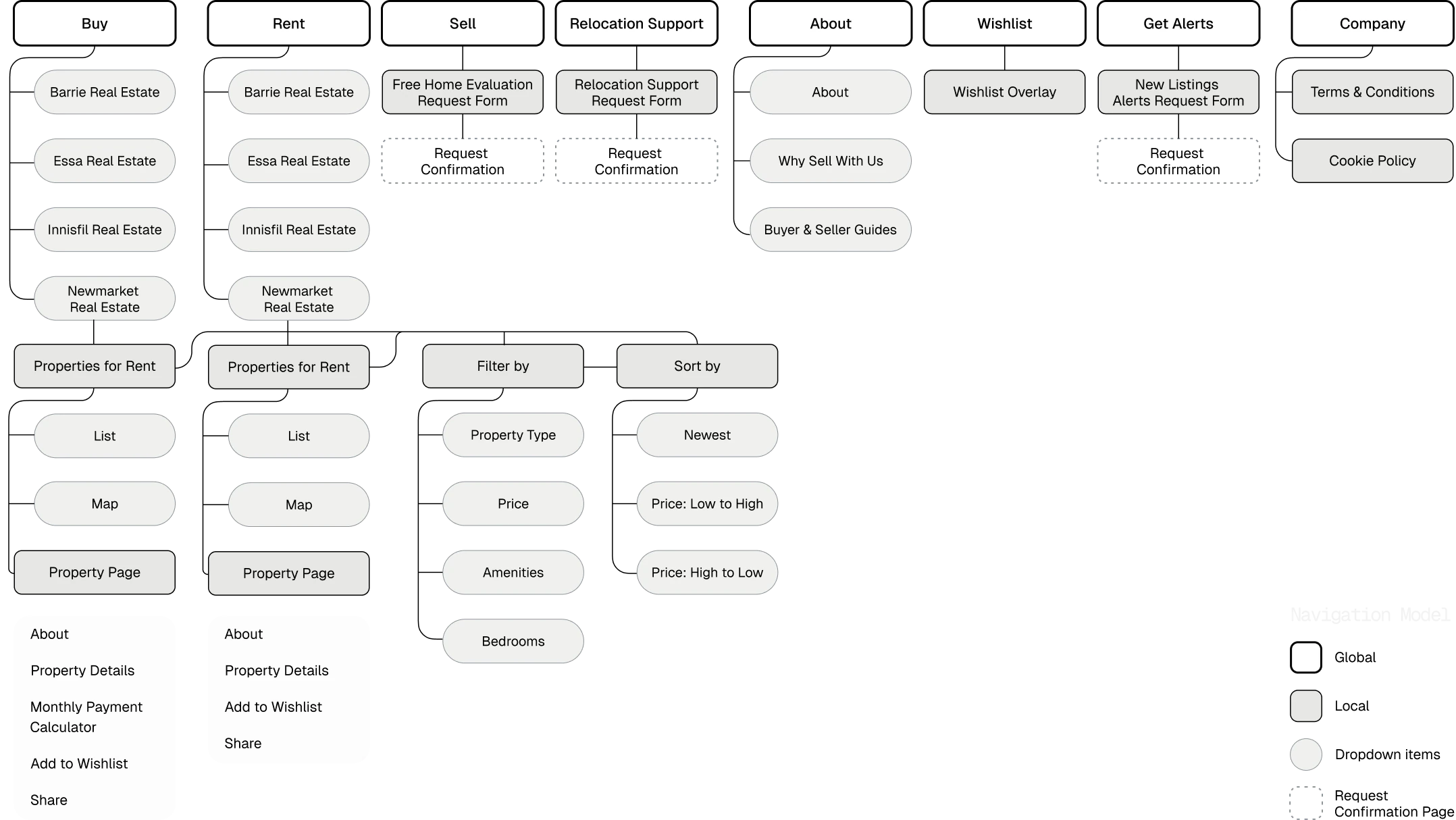
Information architecture came next. This was the part of the process where the amount of ambiguity carried into the design could be reduced. I mapped everything the site needed to support based on the audit, user testing, and research, and documented what each screen required, both in content and functionality. That inventory set the priorities: the top-level navigation, navigation dropdowns, filtering, and educational pages designed to build trust and provide reassurance throughout a high-stakes process.
Working in FigJam kept the client in the room throughout this process and surfaced questions that might otherwise have arrived much later.
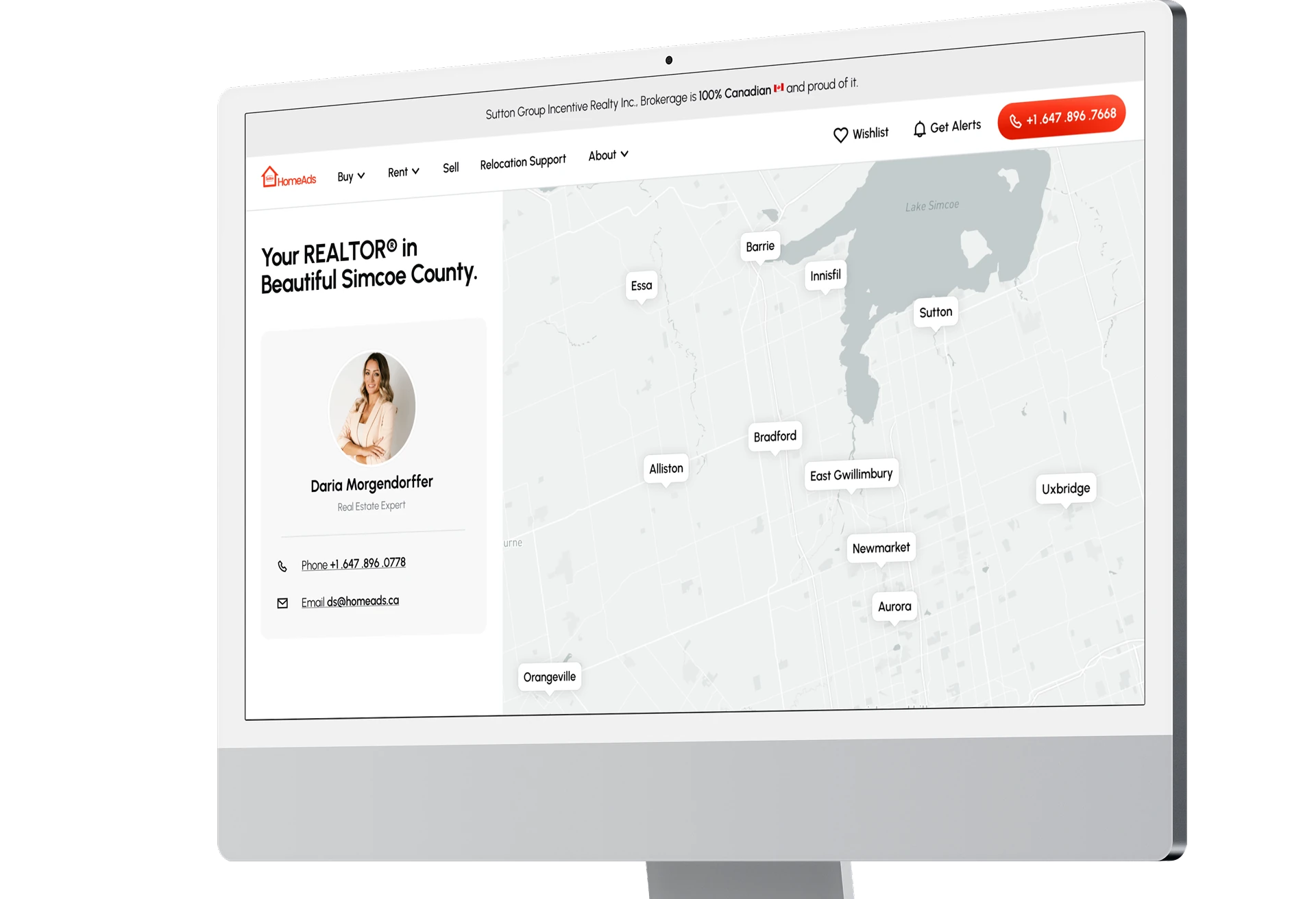
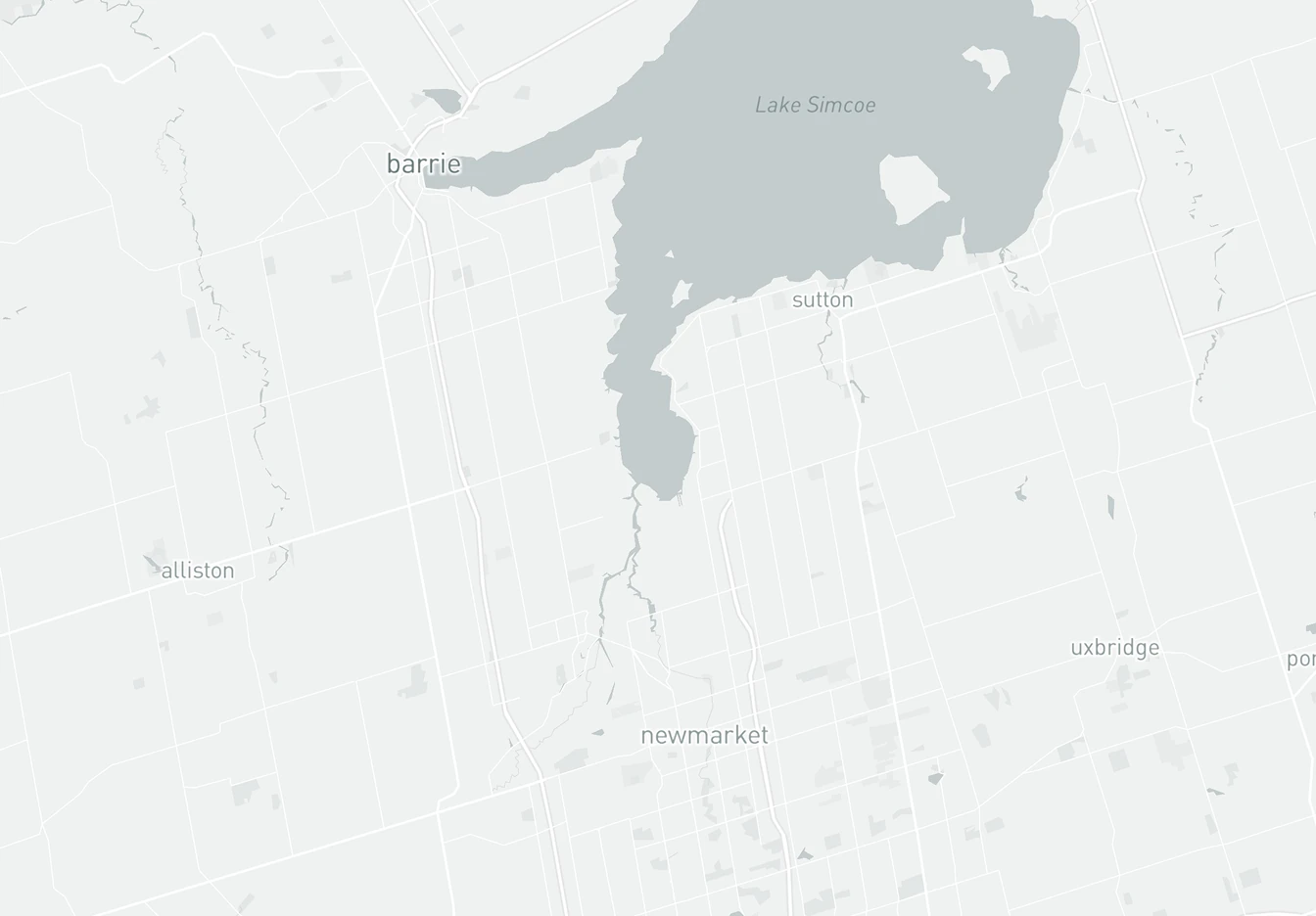
Map of the towns the site covers.
 Barrie
Innisfil
Essa
Sutton
Bradford
East Gwillimbury
New Tecumseth
Newmarket
Aurora
Barrie
Innisfil
Essa
Sutton
Bradford
East Gwillimbury
New Tecumseth
Newmarket
Aurora
A site I’ve never heard of wants my name, email, and phone number before I’ve seen anything. I have to give up my information just to see all the photos. I don’t know who’s on the other end, whether they’re legitimate or whether they’ll just call me and push me towards a sale.
My partner and I are deciding together, so listings go back and forth constantly. Half of what I look at on my phone I lose track of by the time we sit down properly.
If a site is clumsy or the filters can’t narrow things down, I’m gone. How well it’s built says a lot about who’s behind it. I’m buying my first home, so I want to be able to rely on my agent.
I know the kind of place I want. What I don’t know is what I can actually afford, and I don’t want to work that out on three other websites while I’m trying to look at homes.
III. What changed, and why
Pain points surfaced during discovery are paired with their resolutions. The obvious improvements are assumed rather than called out. The focus here is on the decisions that went beyond the baseline features and directly addressed the uncovered problems.
Rent and Sale navigation
Rental properties were not directly accessible through the global navigation and could only be discovered by filtering properties for sale, making the rental discovery path unclear.
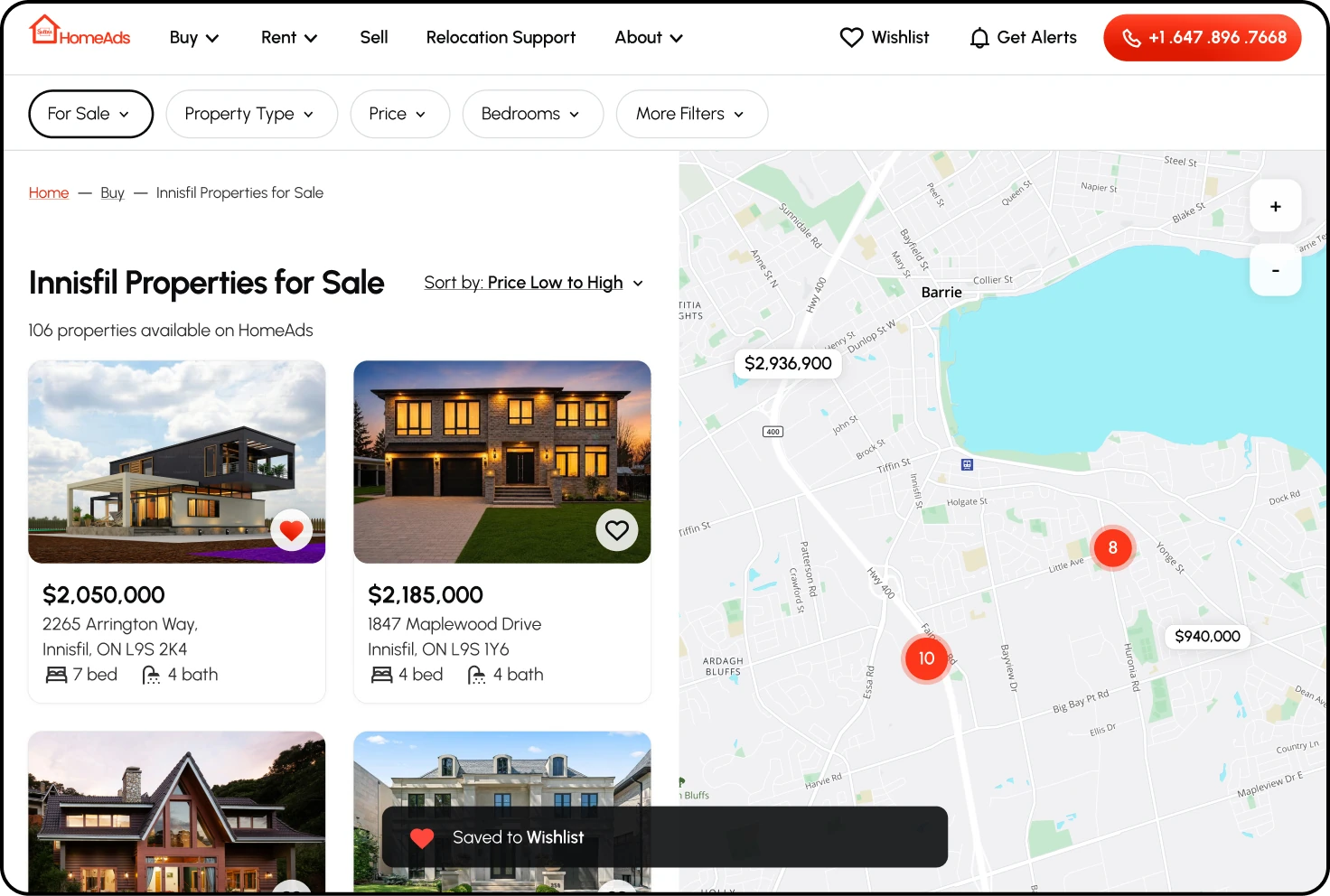
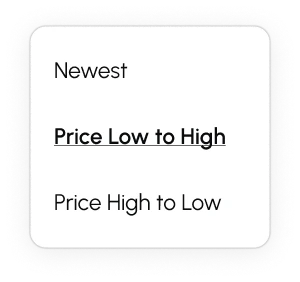
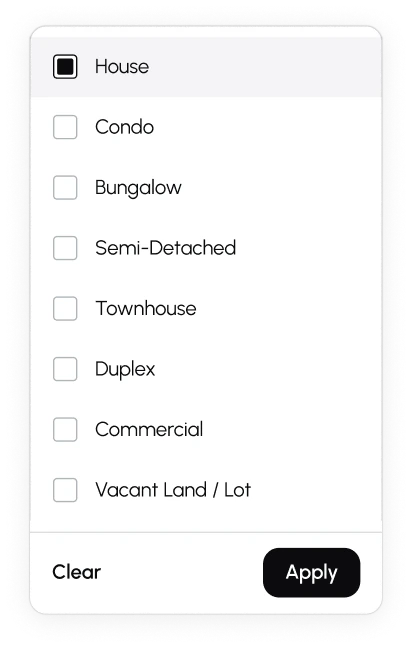
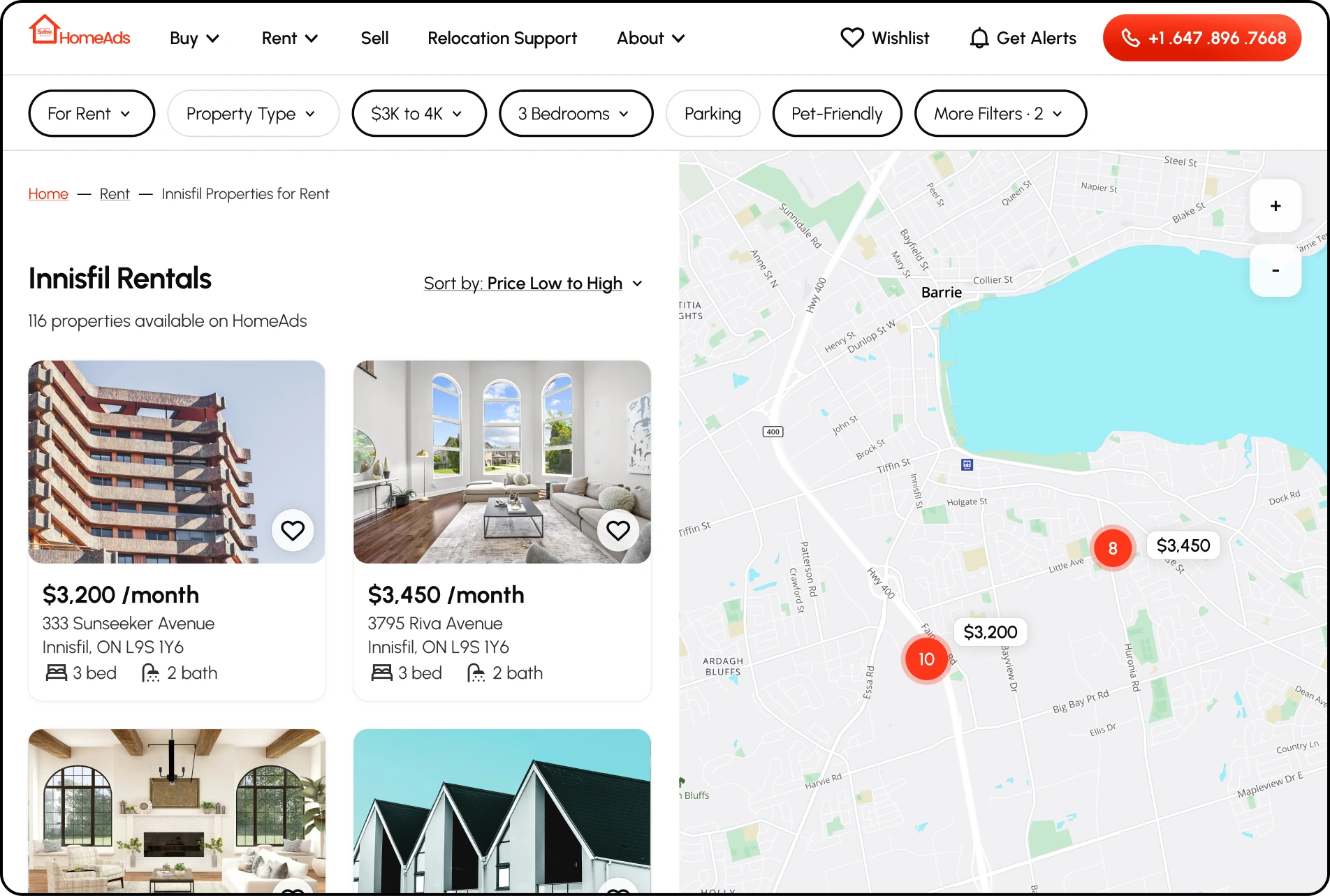
Resolved: Rent and Sale became distinct destinations in the global navigation, giving each market a direct entry point instead of requiring visitors to discover rentals through the Sale experience. For visitors already browsing, the property-type filter continues to provide a quick switch between markets, and its active state was clearly differentiated to preserve context.
The share feature
Choosing a property is a high-consideration decision that usually involves more than one person, but a listing could not be passed on to anyone from the site.
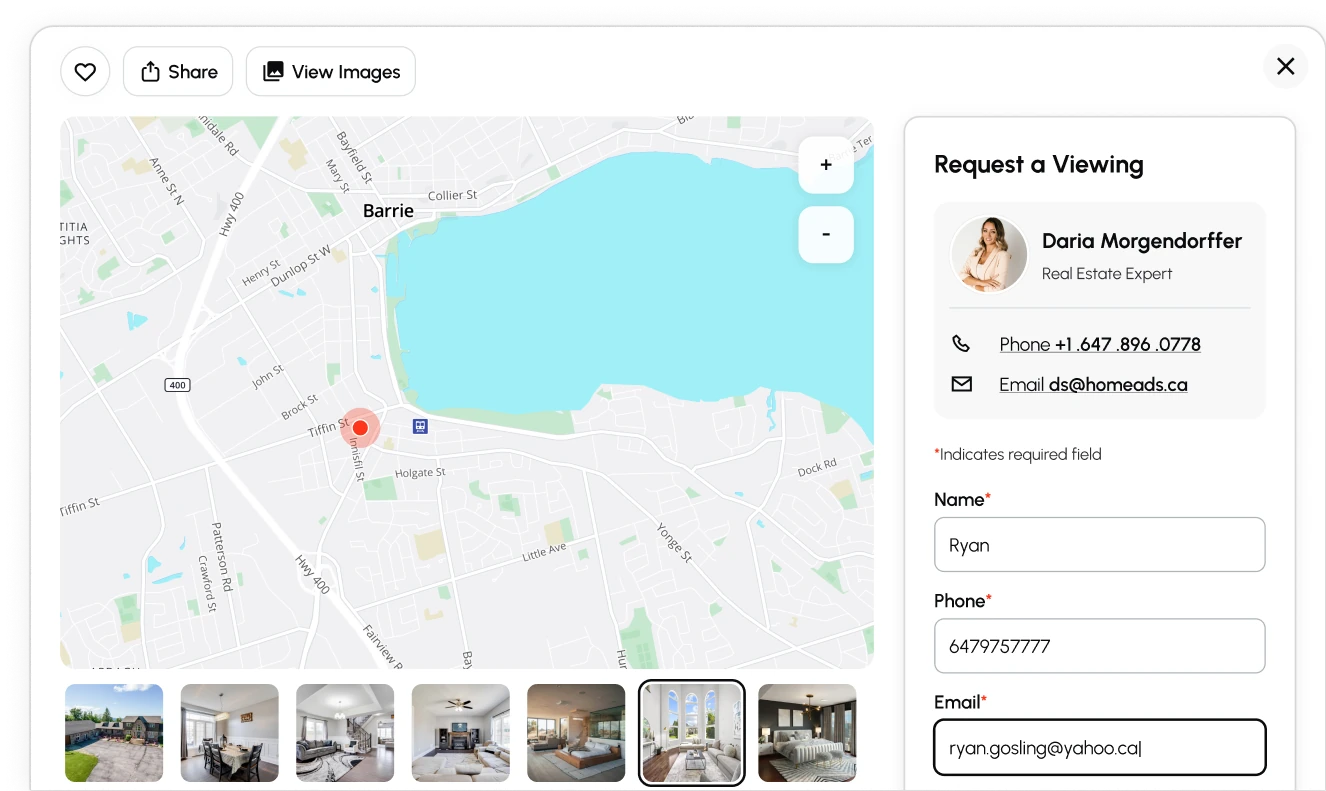
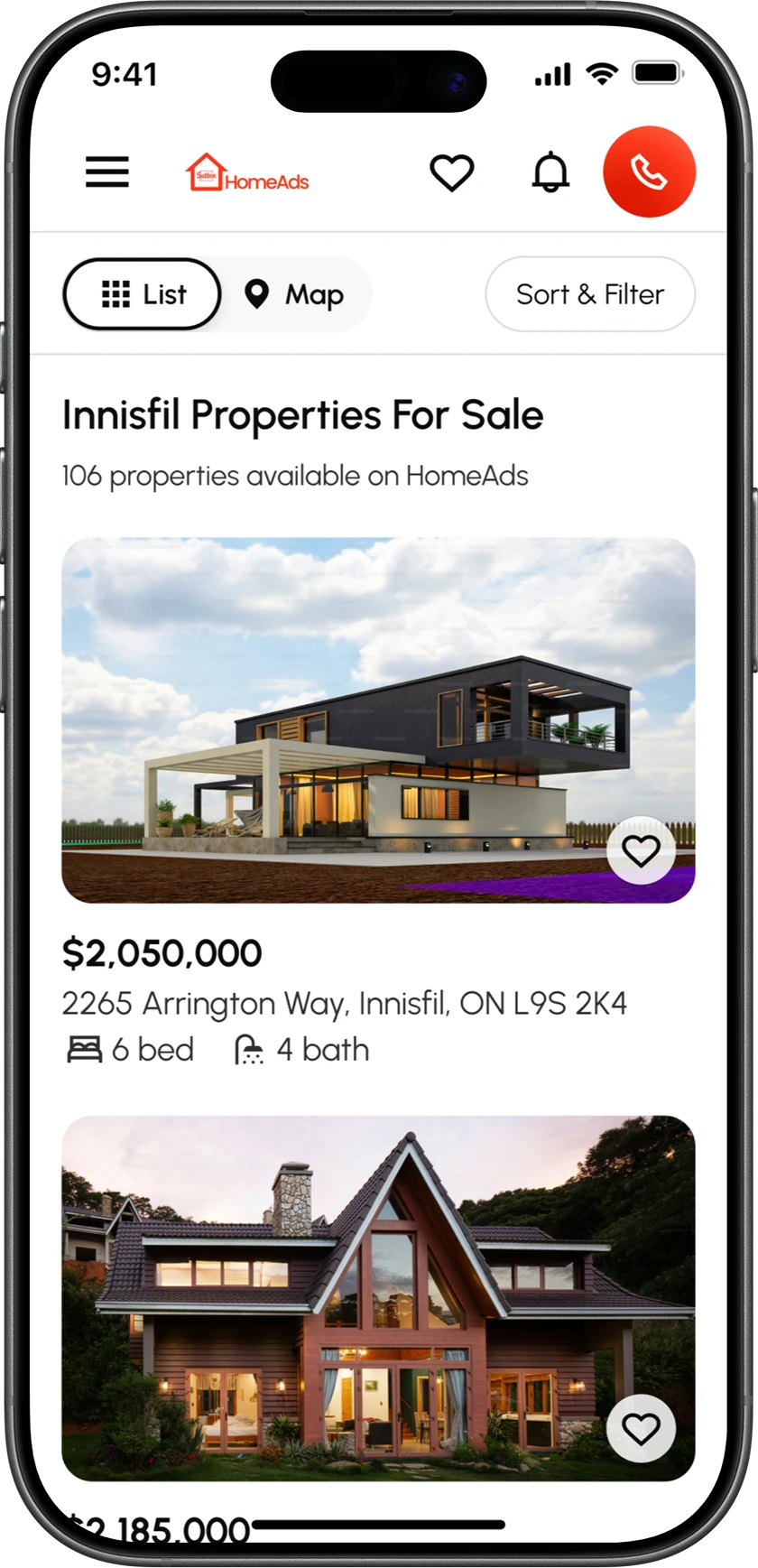
Resolved: An easy share option was introduced, allowing property listings to be shared by email or by copying the link to paste anywhere, making it easier to gather opinions and discuss potential homes.
Target size and component logic
Painfully small touch and click targets were one of the recurring issues identified across the interface. With 46% of traffic coming from smartphones, this was particularly concerning.
Resolved: Every interactive element was rebuilt to a 44px floor, including links and contextual menu items, not only buttons. Where controls were visually smaller, invisible hit areas extended the interactive target to 44px, allowing the same components to serve both touch and pointer interactions without maintaining separate desktop and mobile variants.
Filters
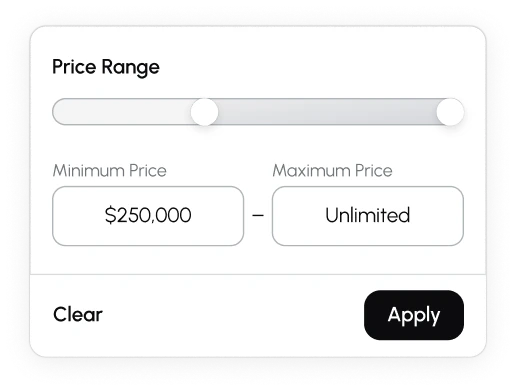
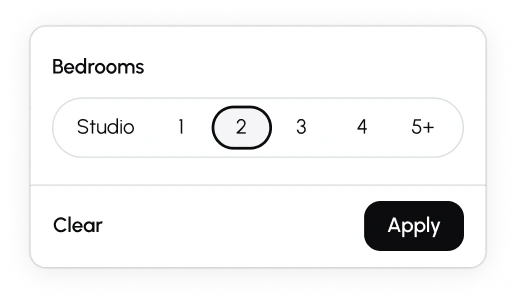
Redundant filters added clutter, while some categories lacked the options people actually needed. Unnecessary units and real-estate-specific terminology made the search harder to refine for anyone unfamiliar with the domain.
Resolved: Redundant filters were removed and surviving categories were renamed using buyer-facing language. High-use rental criteria, including parking and pet-friendly properties, were promoted to the main filter row rather than hidden in overflow. A distinct active state was also introduced so the current filter set can be understood at a glance.
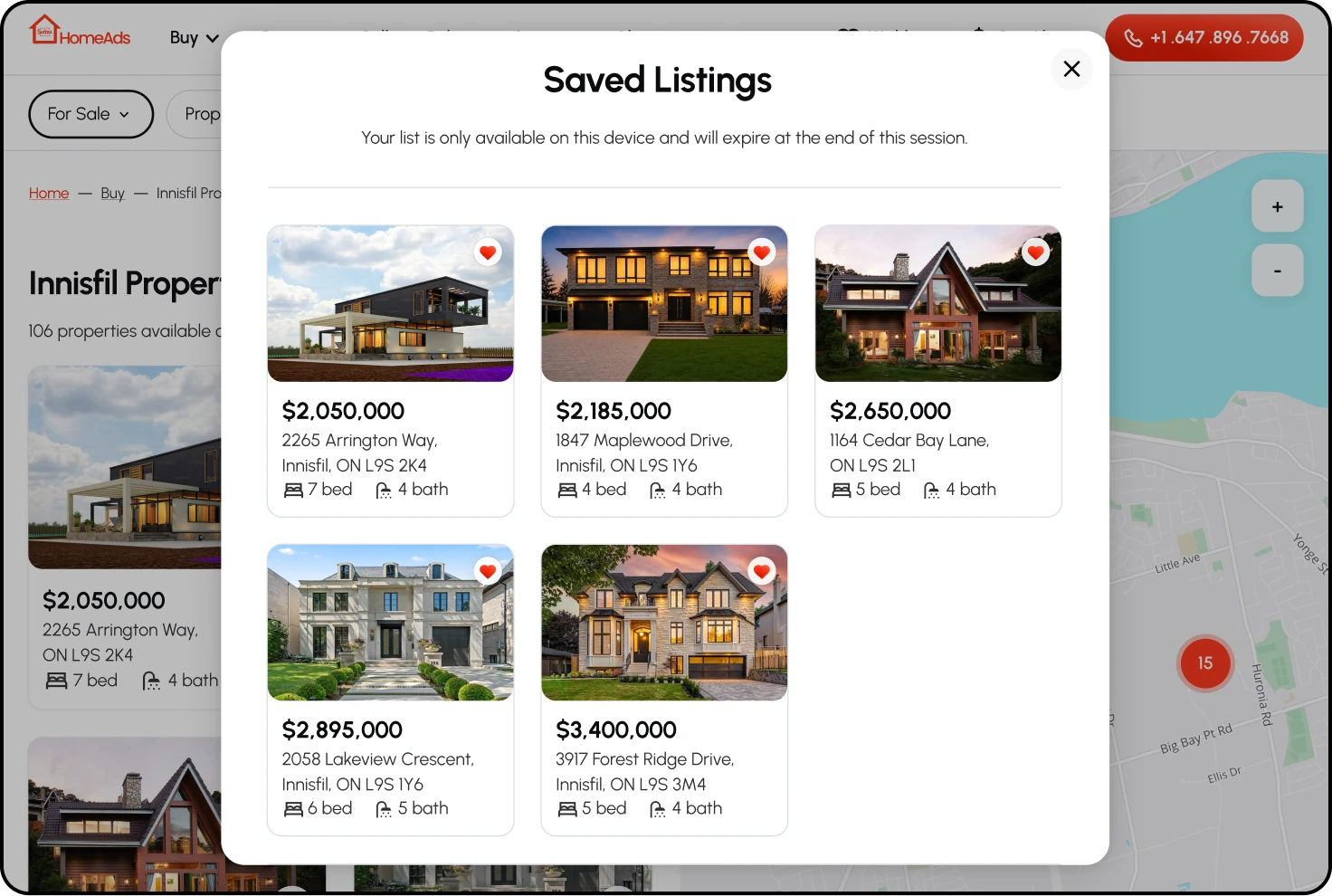
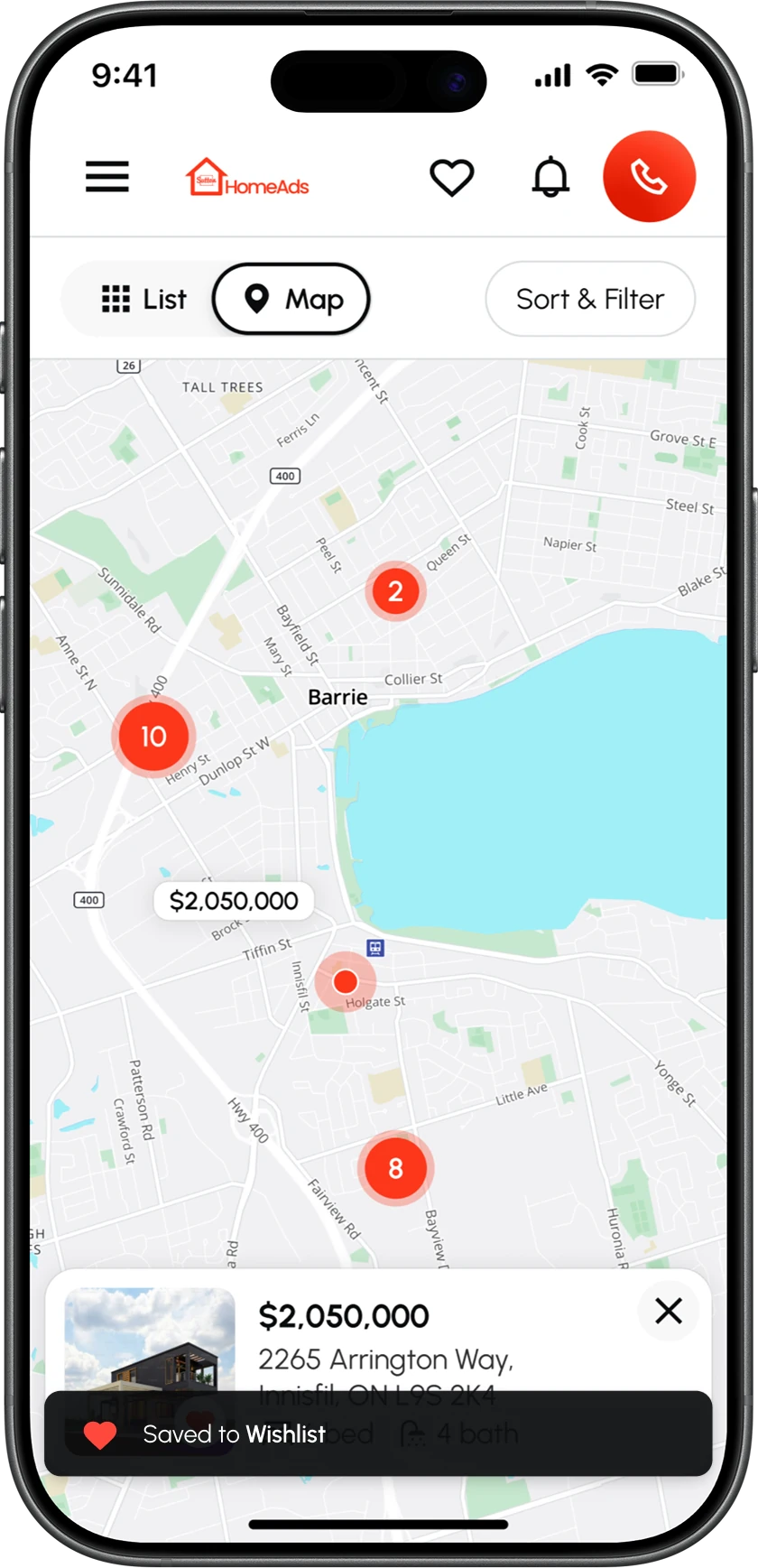
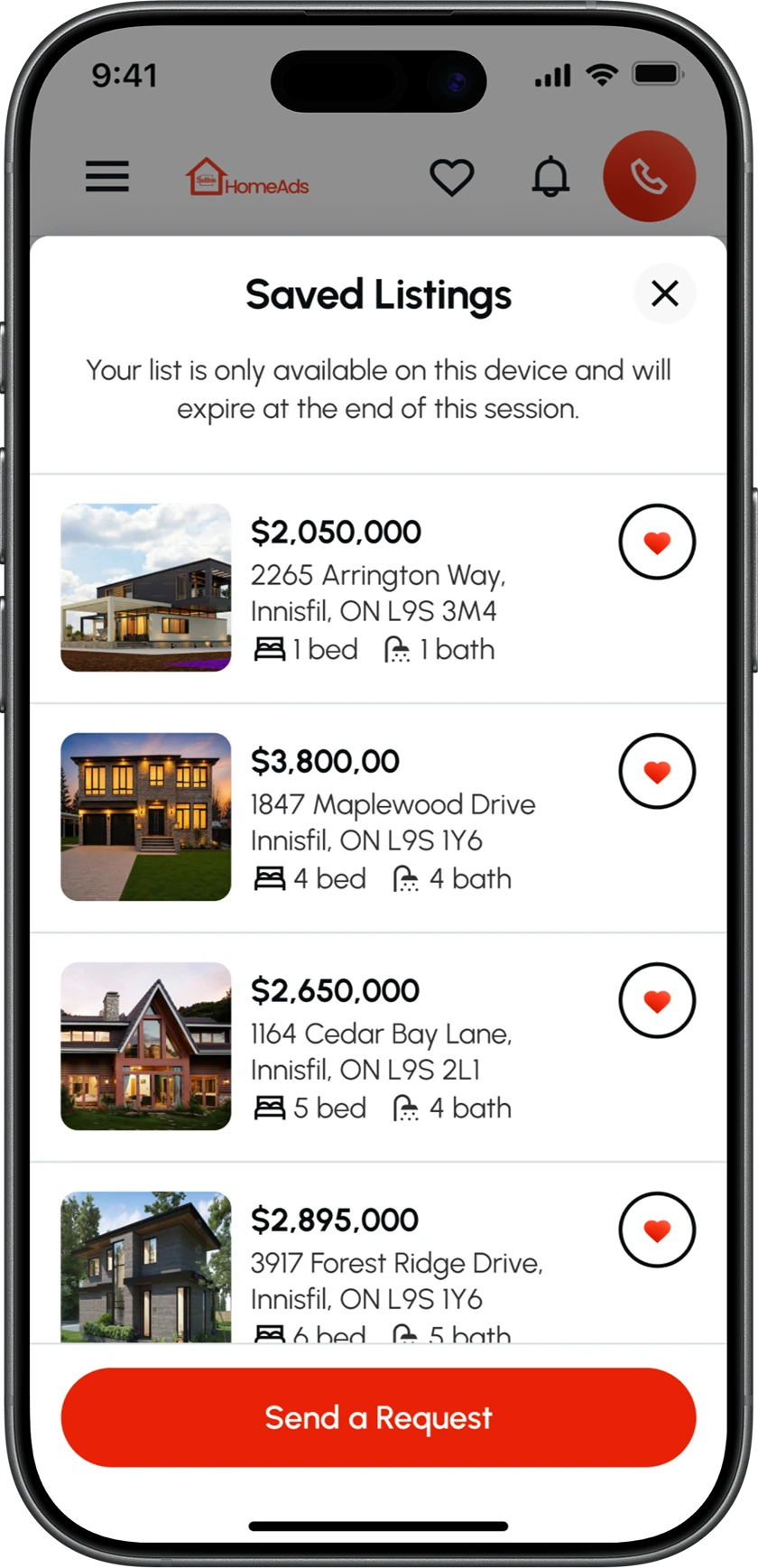
The wishlist
The wishlist was not working on either mobile or desktop, making it difficult to keep track of liked listings and turning the process of remembering each property into a daunting task.
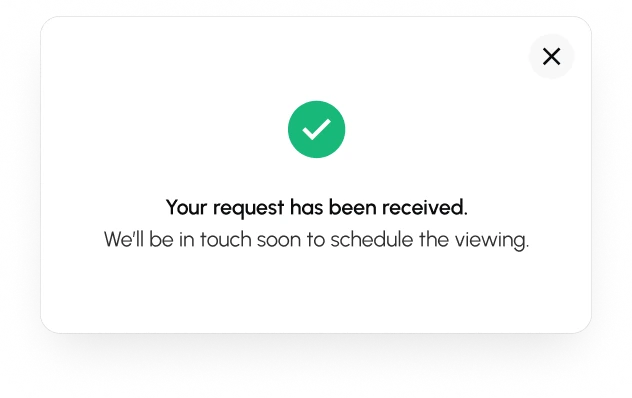
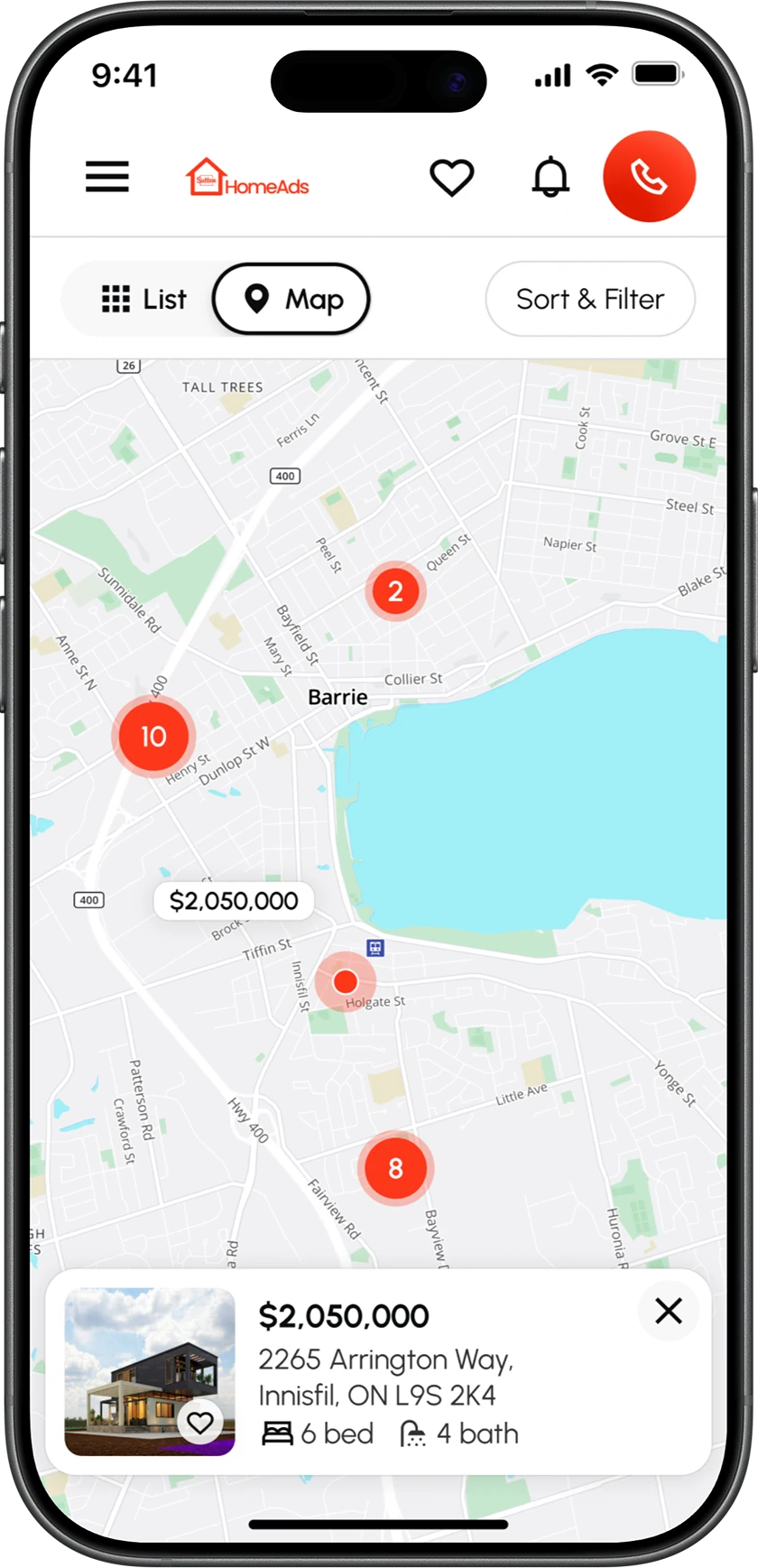
Resolved: The wishlist was restored across both platforms. Saved listings could be accessed immediately without sign-up, because asking a first-time visitor to register just to keep a shortlist creates friction, particularly on a site they do not yet trust. The wishlist was also extended to support a single viewing request for multiple saved listings.
Mortgage calculator
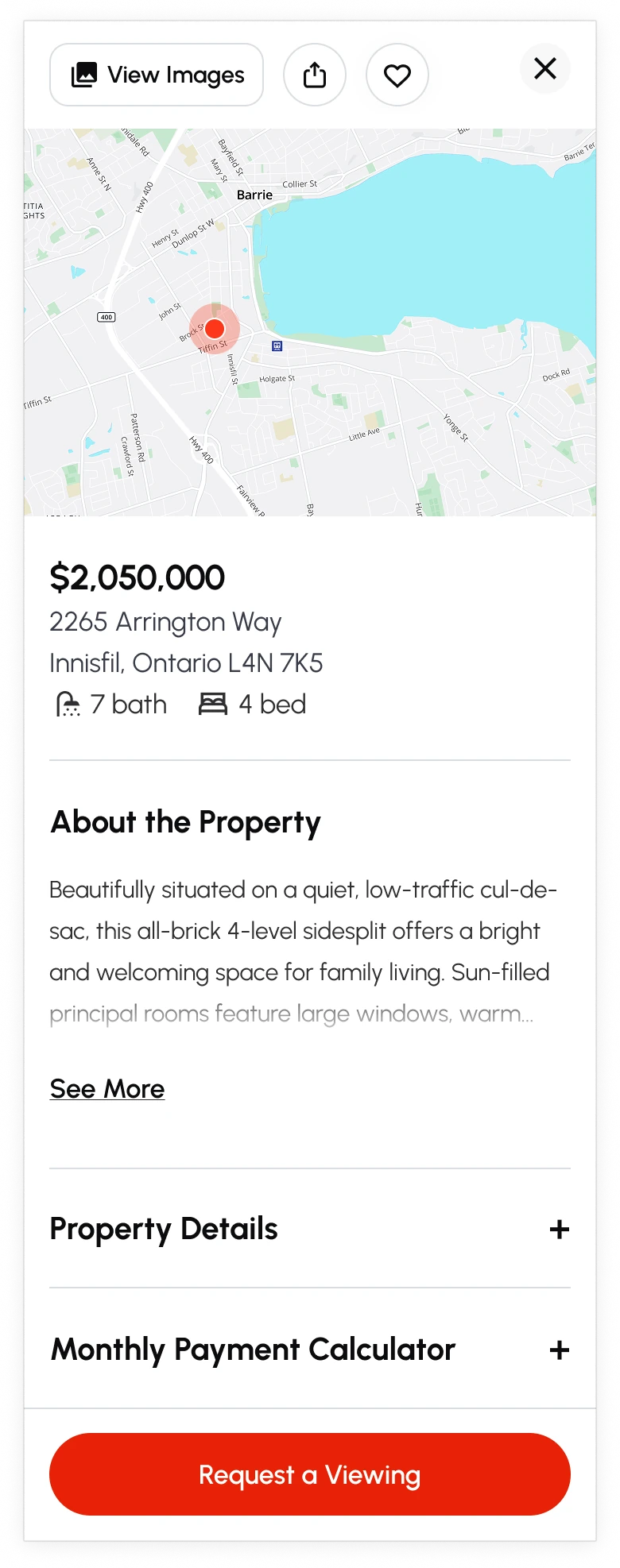
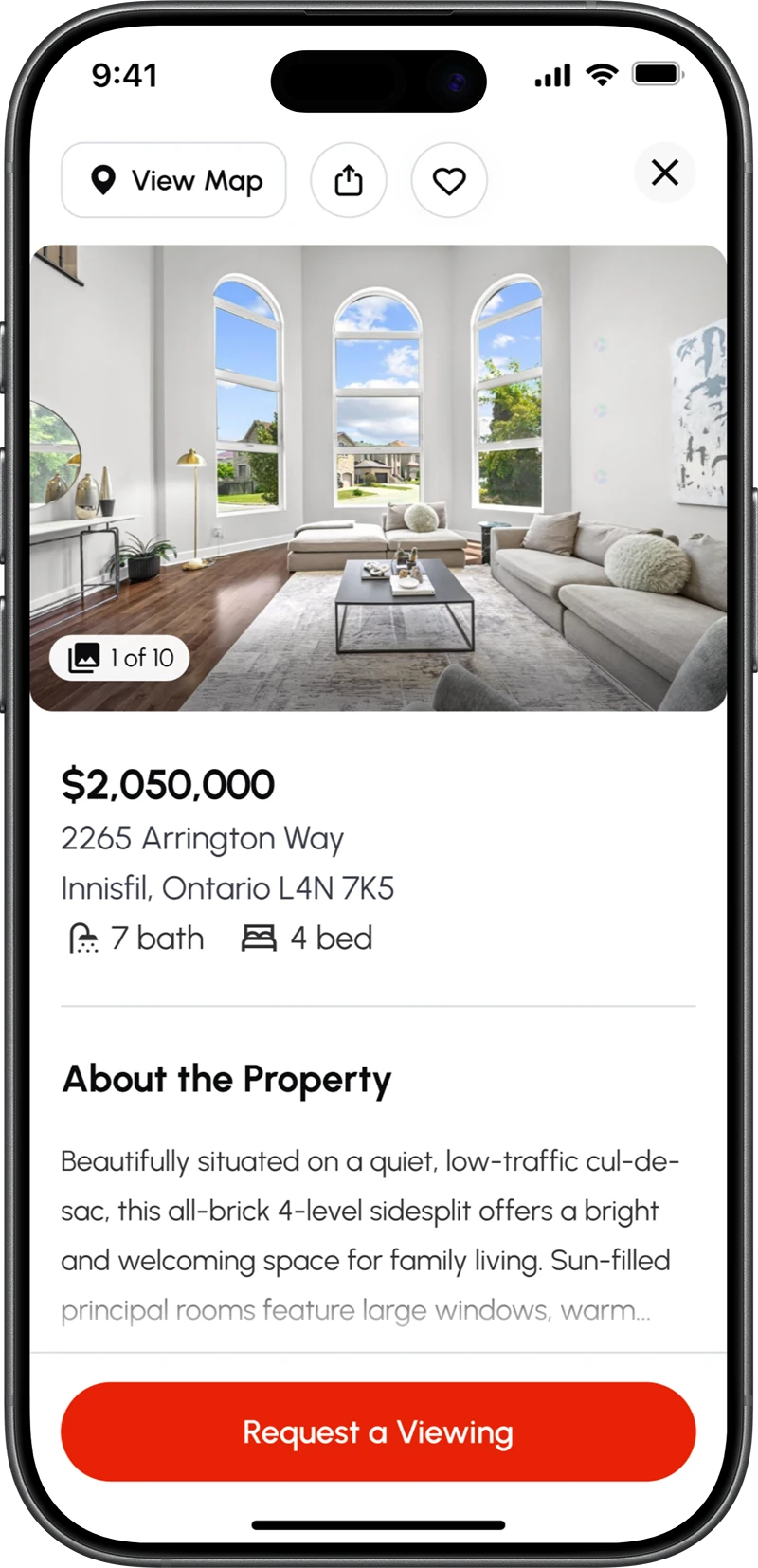
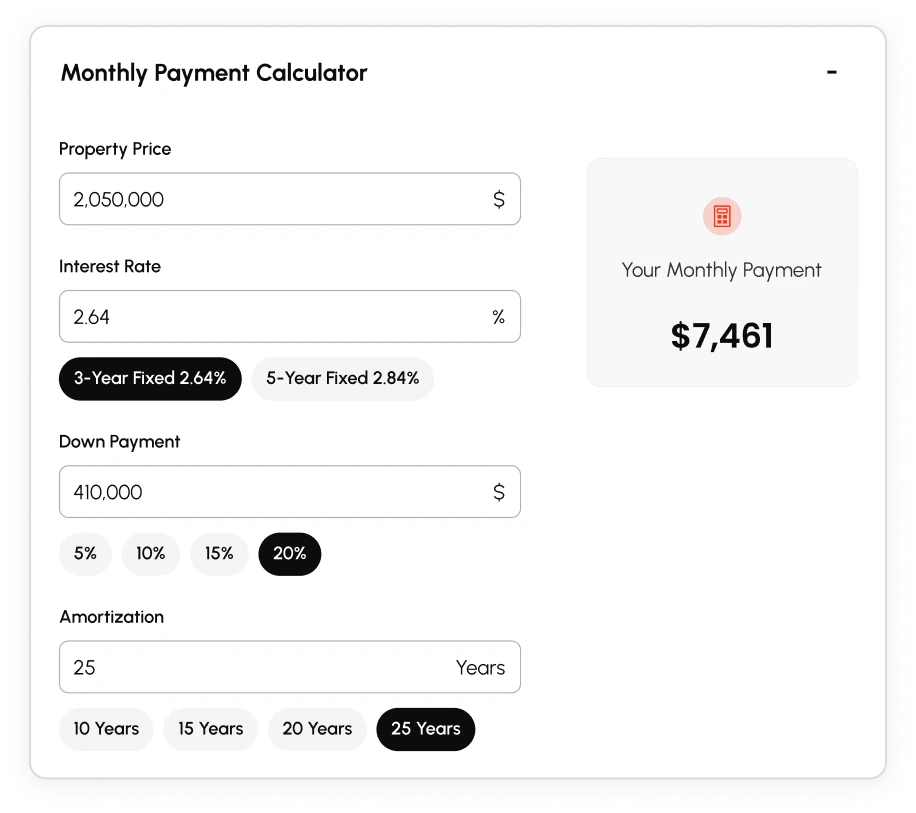
Property descriptions were too sparse to give prospective buyers enough information to evaluate a listing, while no tools were available to estimate what the property could cost them monthly.
Resolved: Comprehensive property descriptions and a mortgage calculator were introduced to help prospective buyers make more informed decisions, including estimating mortgage payments.
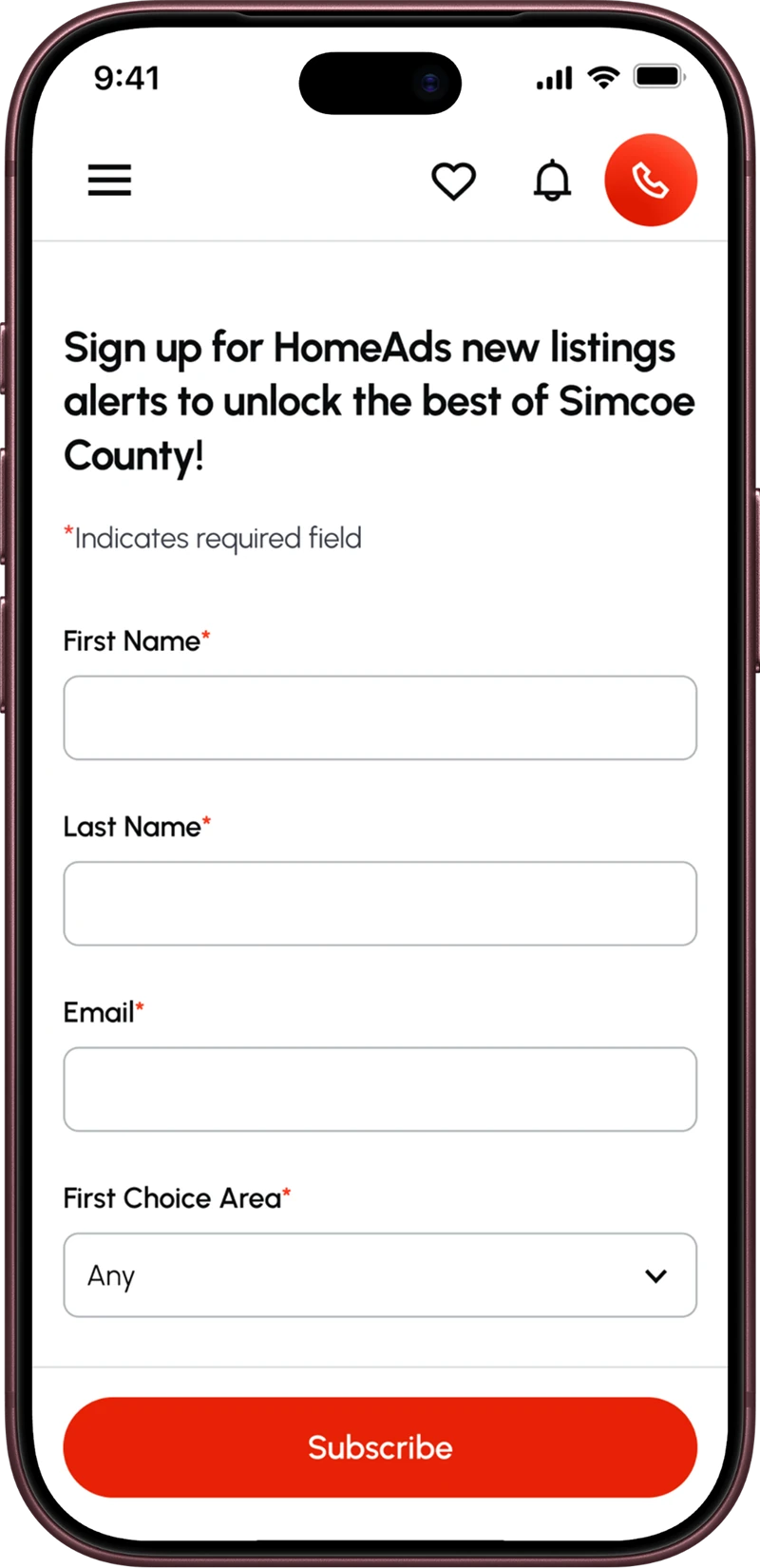
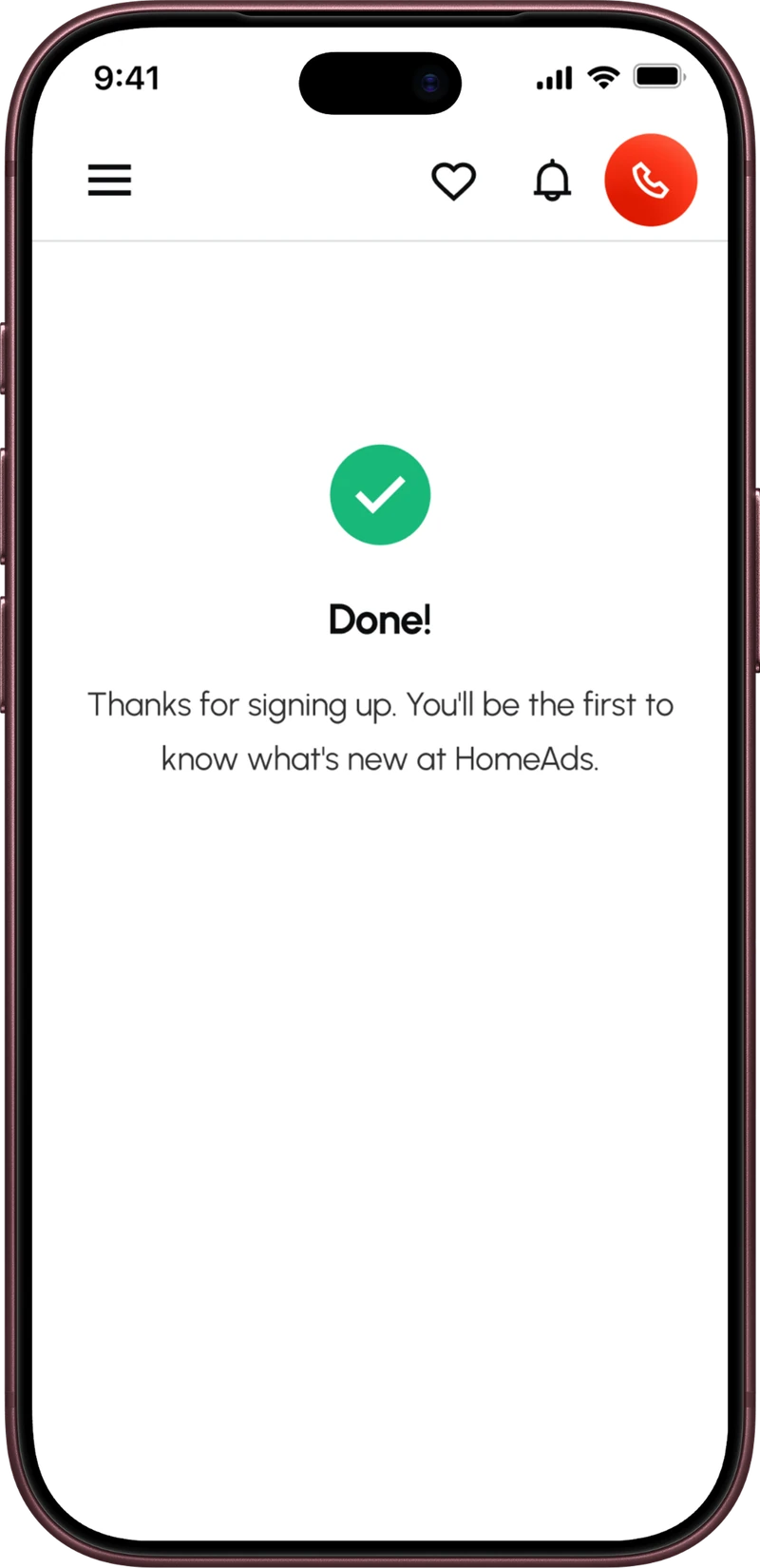
Surfacing New Listings sign-up
The “Subscribe to New Listings” CTA link was hidden among multiple dropdown menu items, drastically limiting its visibility.
Resolved: The subscription moved from a dropdown item to a fixed position in the top navigation. It is now in front of every visitor on every page, rather than only the ones who happened to open the right menu.
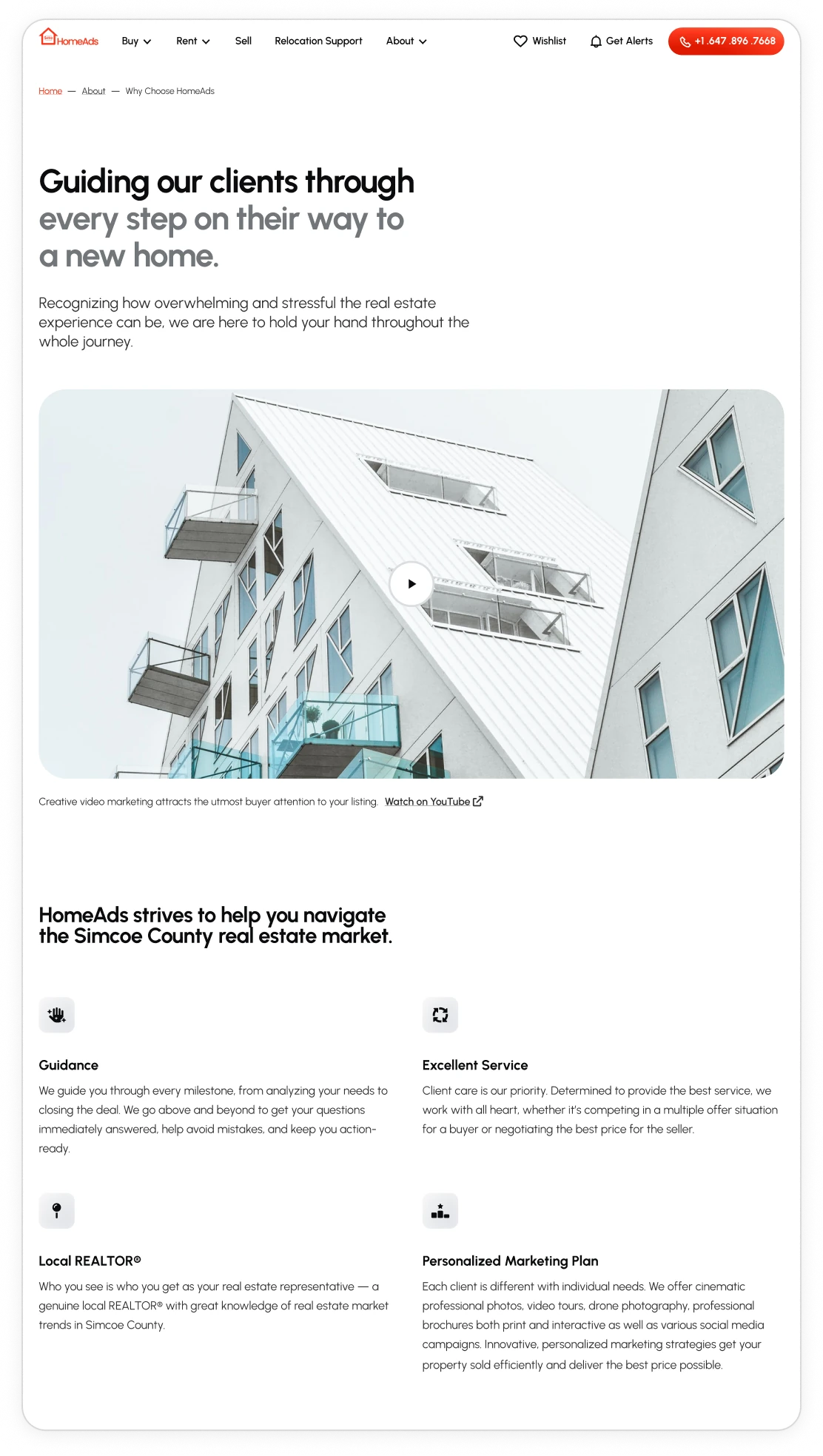
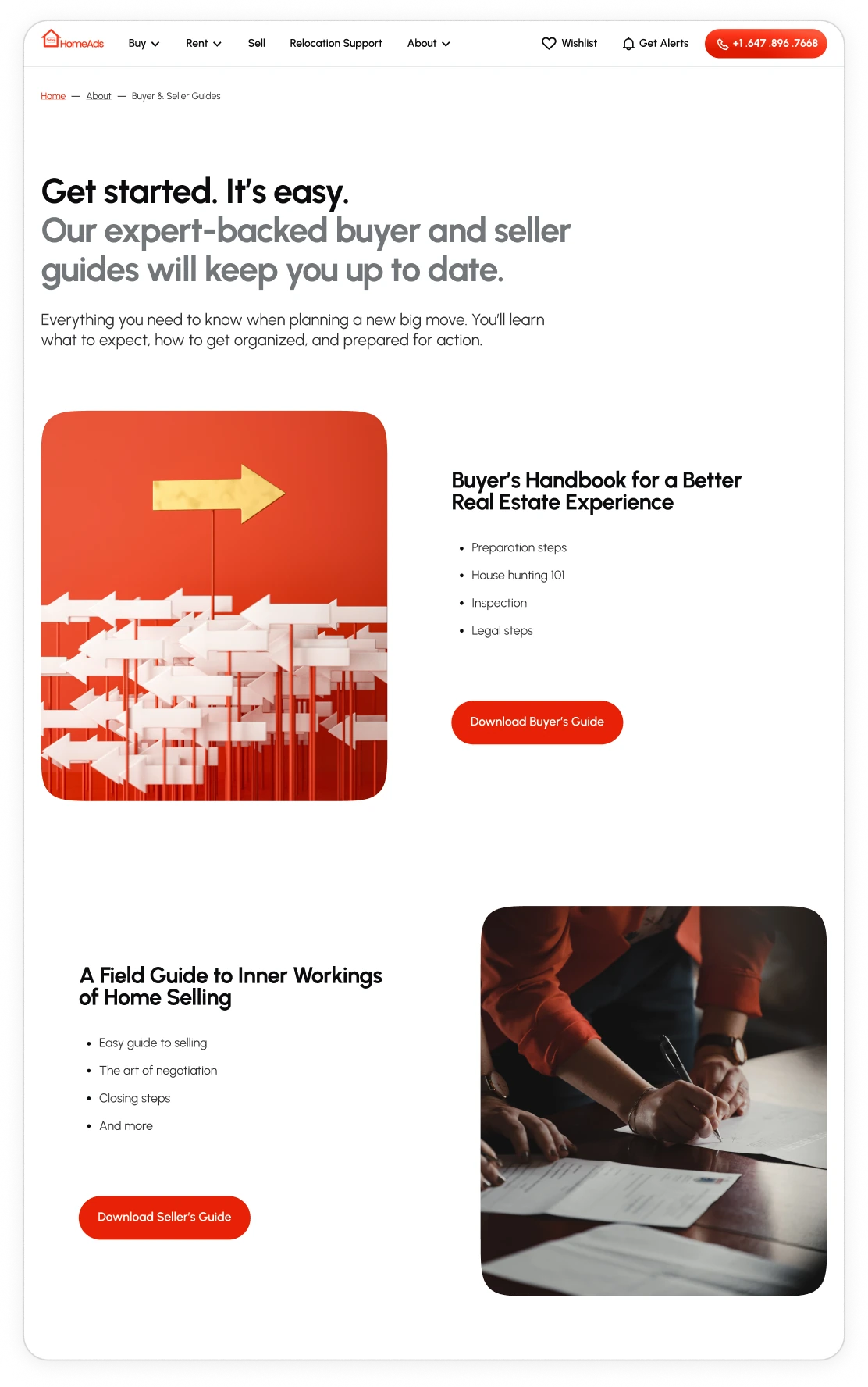
Bringing trust content into view
Important trust and educational content that introduced the business to prospective customers (About Us, buyer and seller guides, and more) was disconnected from the primary navigation. It was buried in the footer among a large number of secondary links.
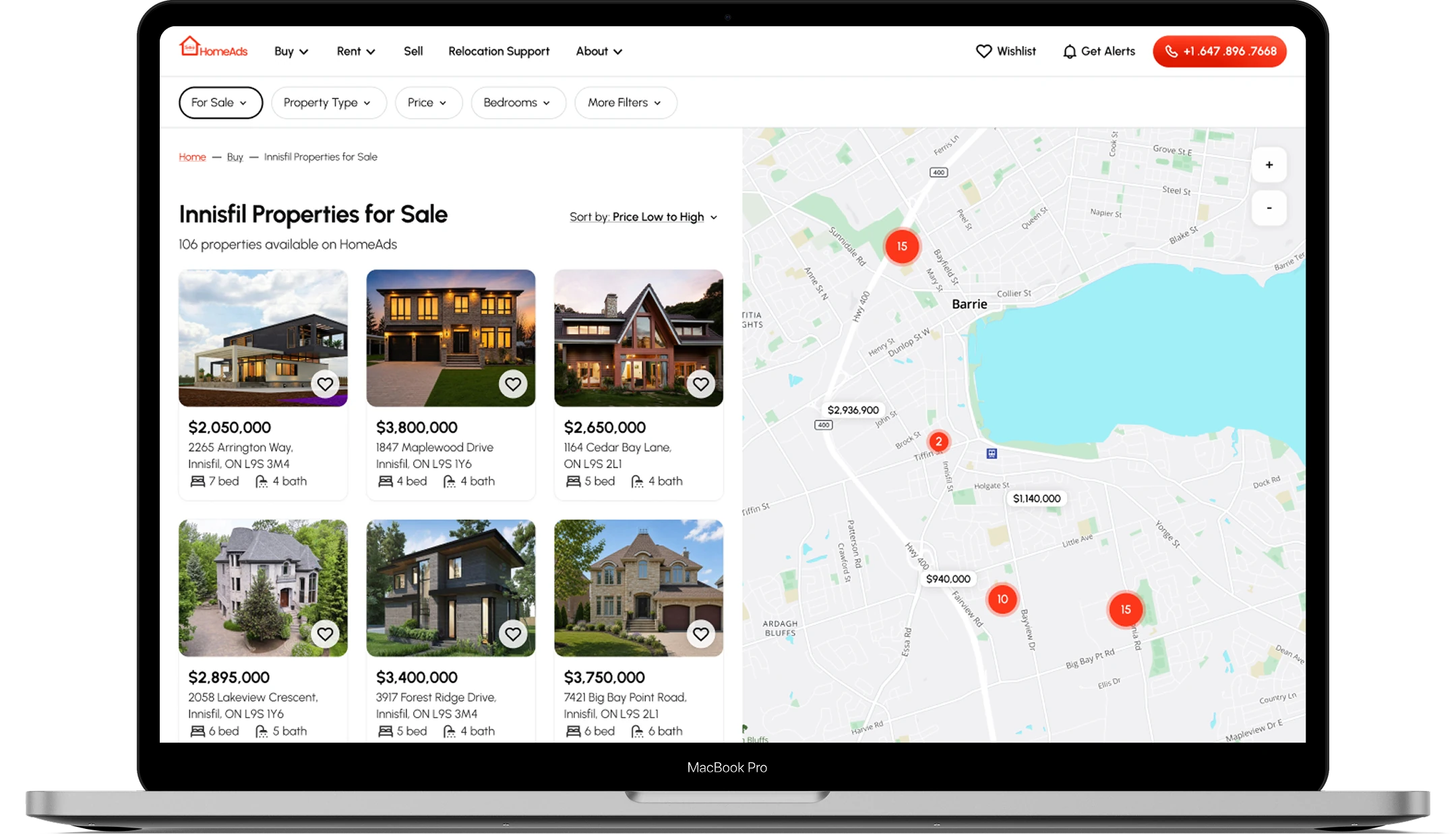
Resolved: Material links were lifted into the top navigation. Breadcrumbs were introduced to maintain orientation.


IV. UI foundations
A set of foundations was defined to keep the experience consistent across screens, content, and interactions.
Grid. Four viewports carry the site. The largest has two variants: fixed for standard pages and fluid for screens that carry a map.
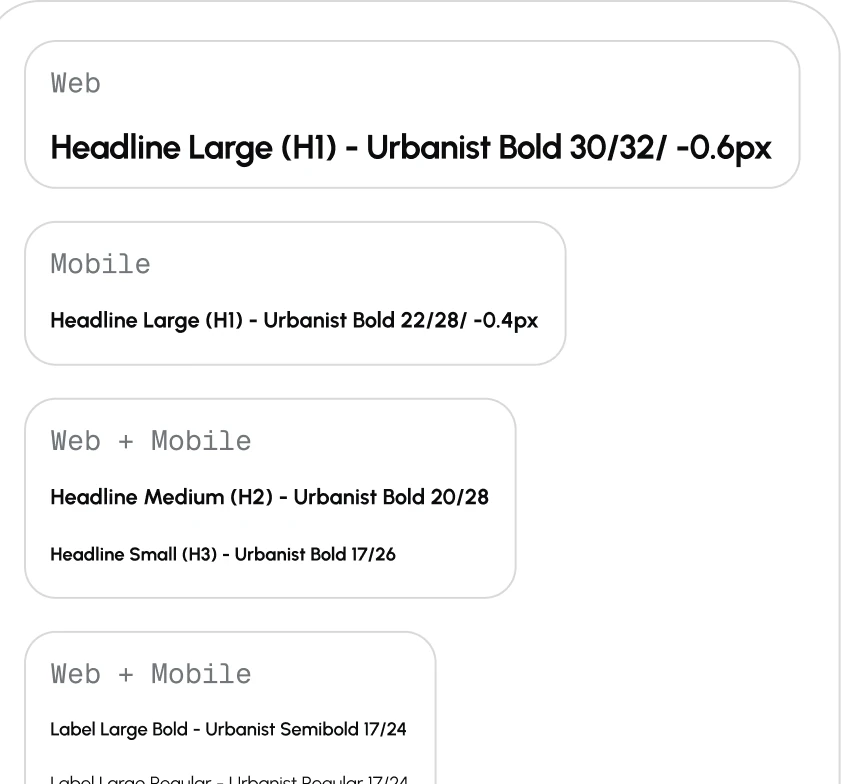
Typography. Urbanist was selected for its readability and scannability, with numerals that remain clear and visually balanced, which is particularly important for an experience centred around property prices, financial figures, and other numbers users need to scan quickly.
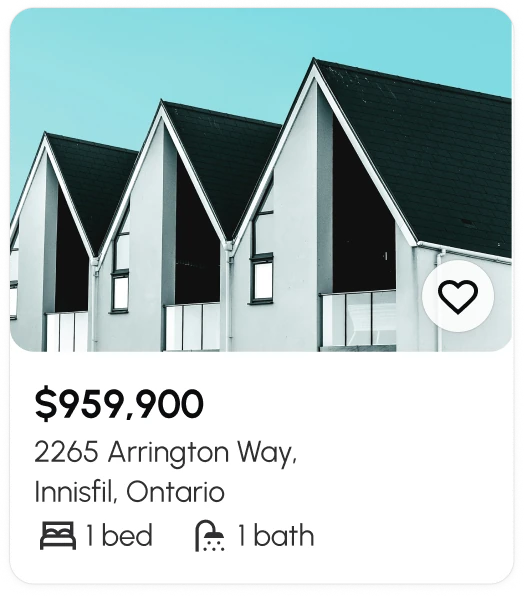
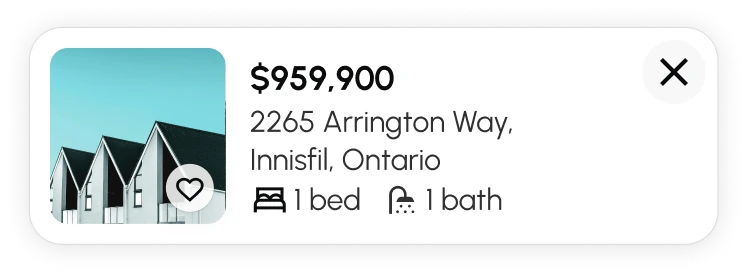
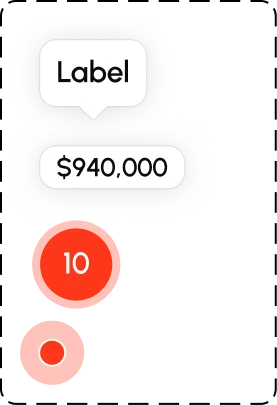
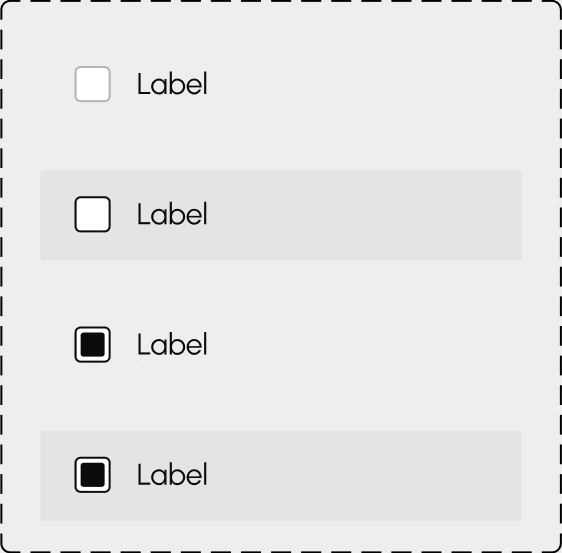
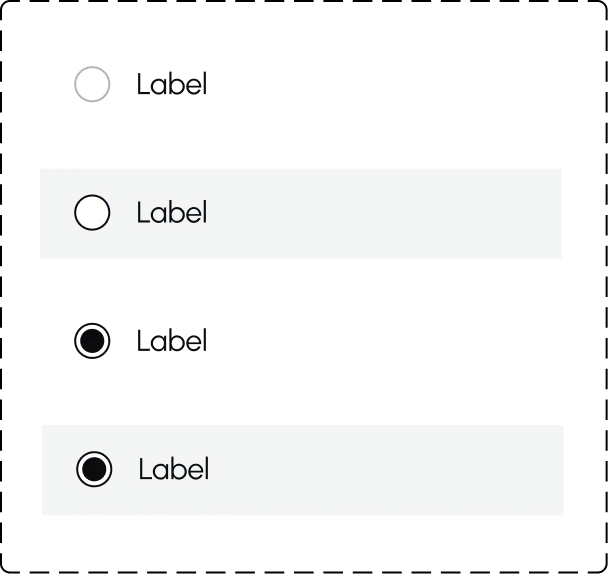
Component library. A design system was created, with components optimized for reuse across desktop and mobile to keep the component library lean. Most controls were built around the 44px minimum target that holds on desktop and mobile.
lg-1128px-12 column-fixed

md-600px-8 column-fixed and fluid

sm-360px-4 column-fluid

lg-1128px-12 column-fluid (screens with maps)





V. Wireframes
Here are some UI enhancements that go beyond the case study shorthand and aren’t self-explanatory.
Headline hierarchy
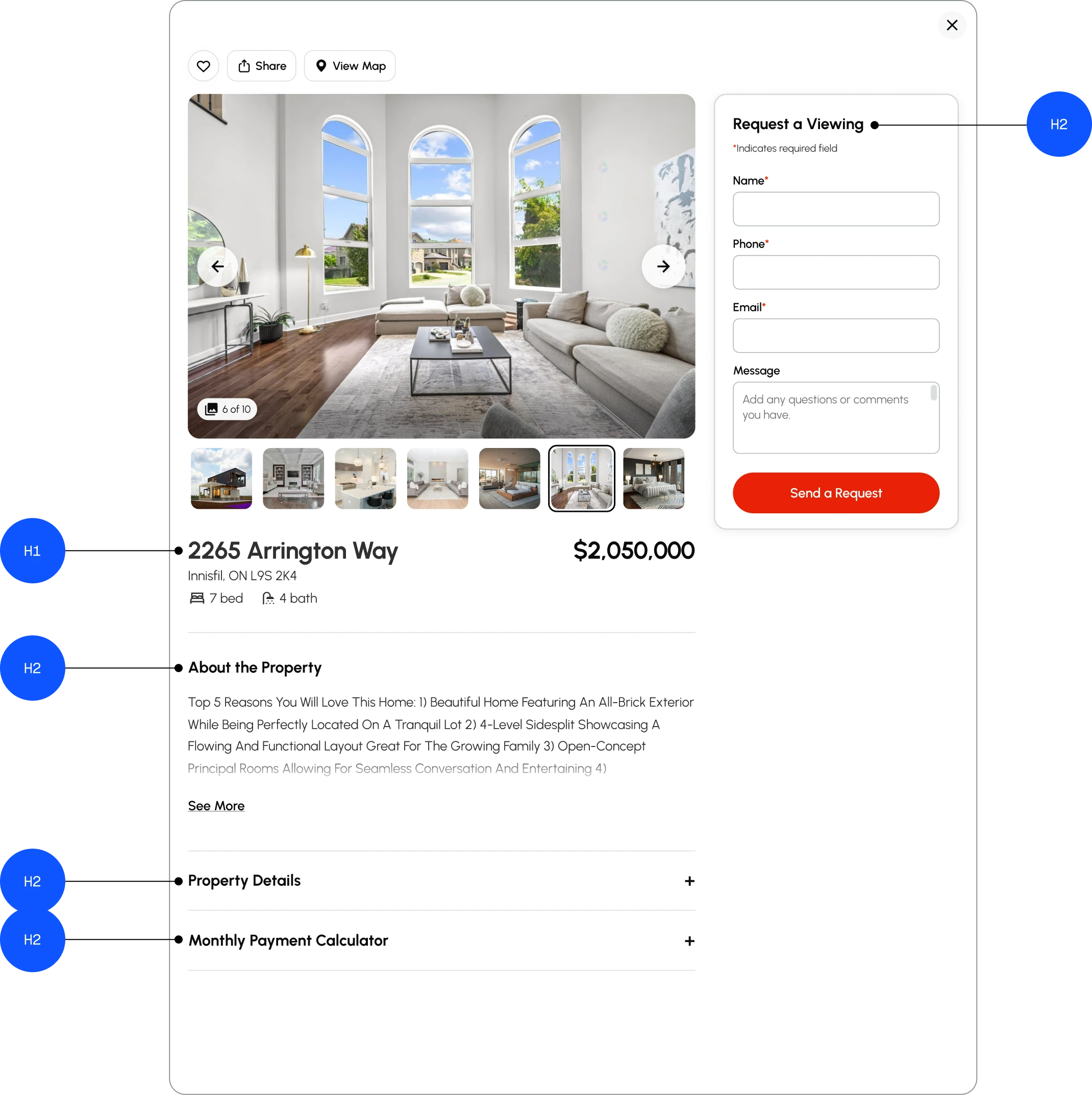
Heading rank is built into the design system, not set page by page. Each page carries one <h1>, and every structural heading under it is an <h2>. Ranks are never skipped, so an <h1> never runs straight into an <h3>.
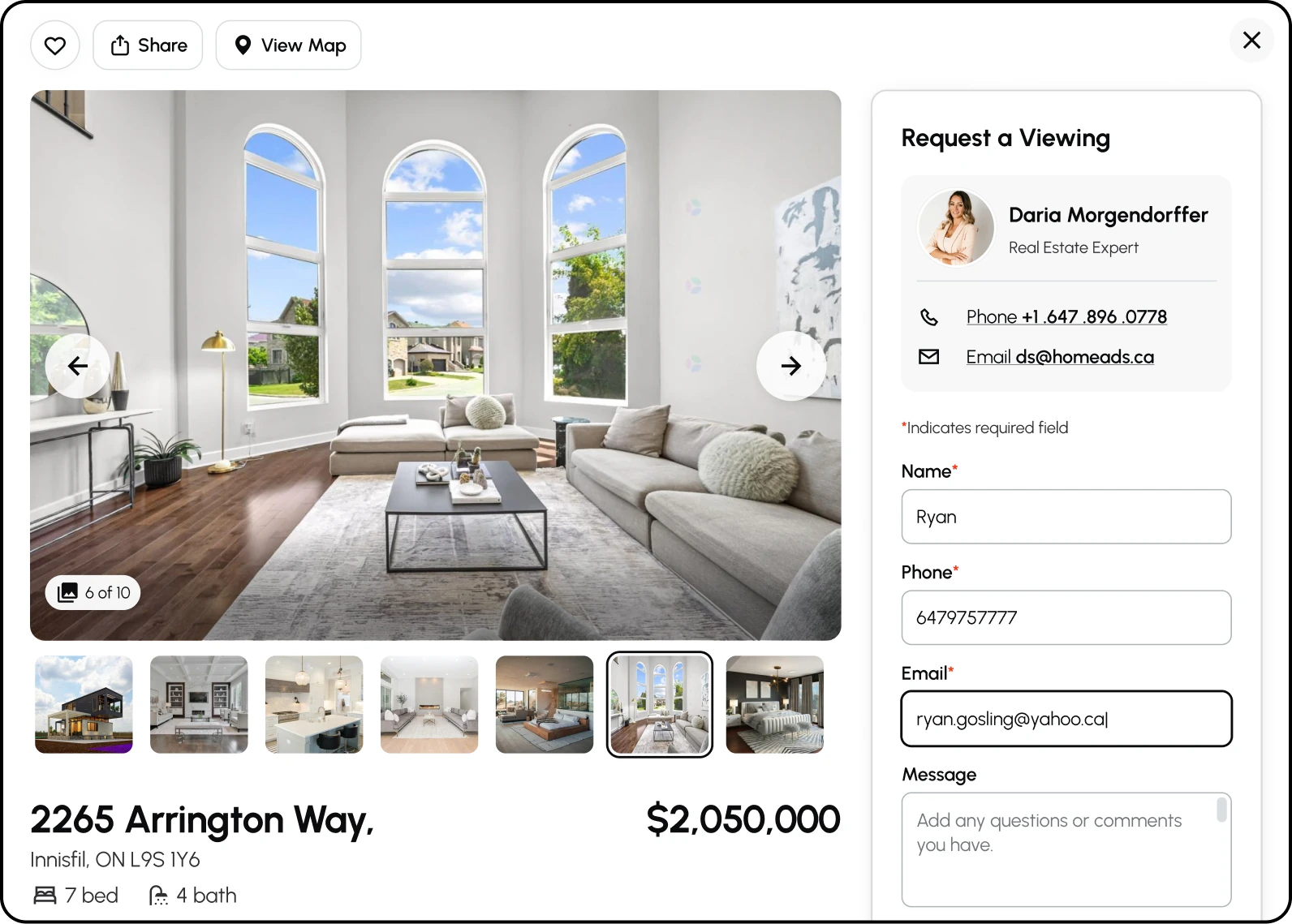
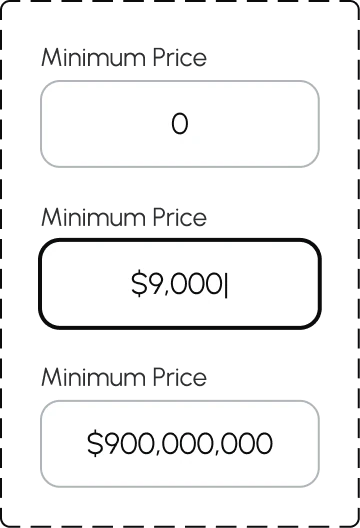
Input fields
Three recurring input field issues:
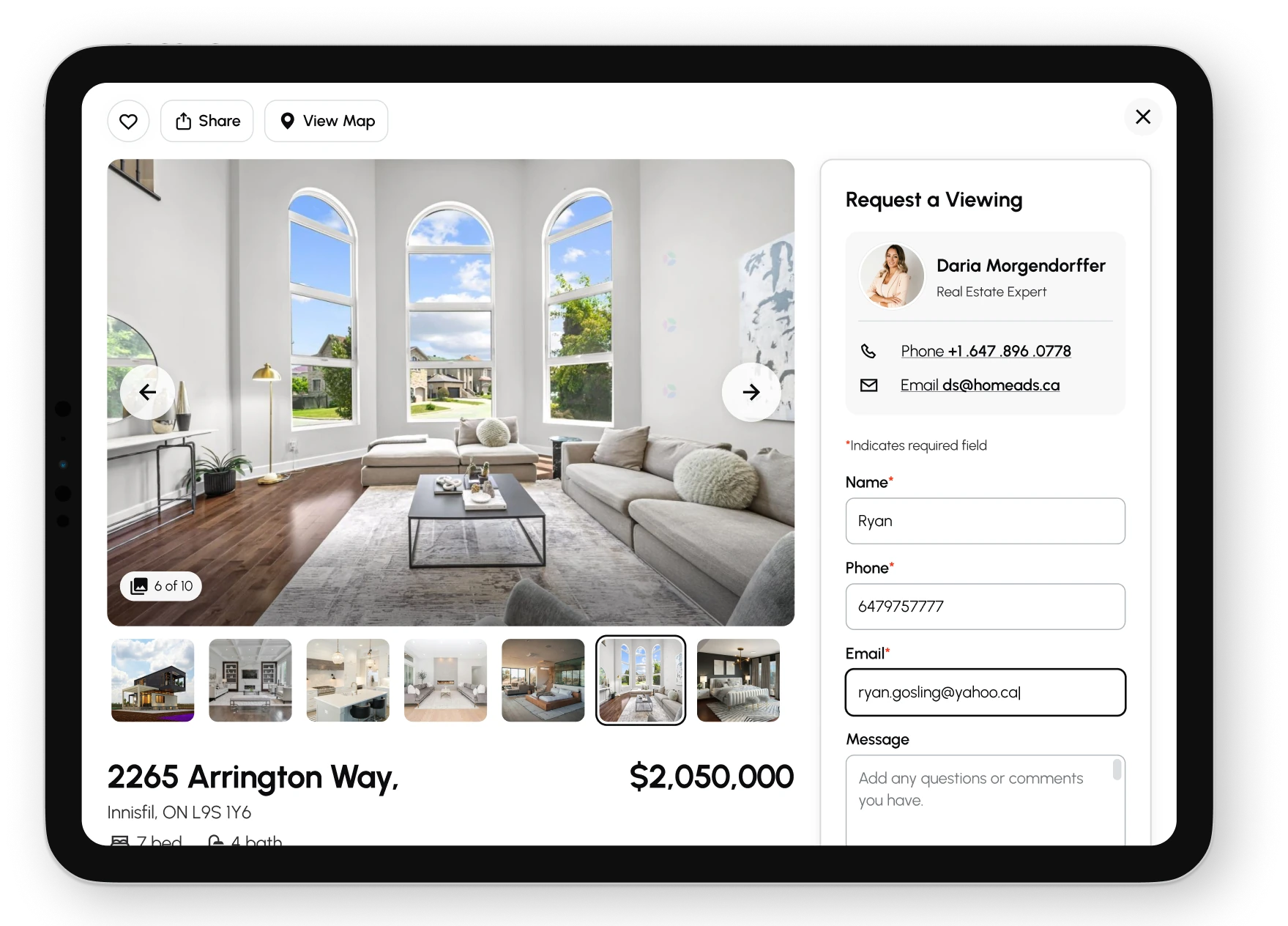
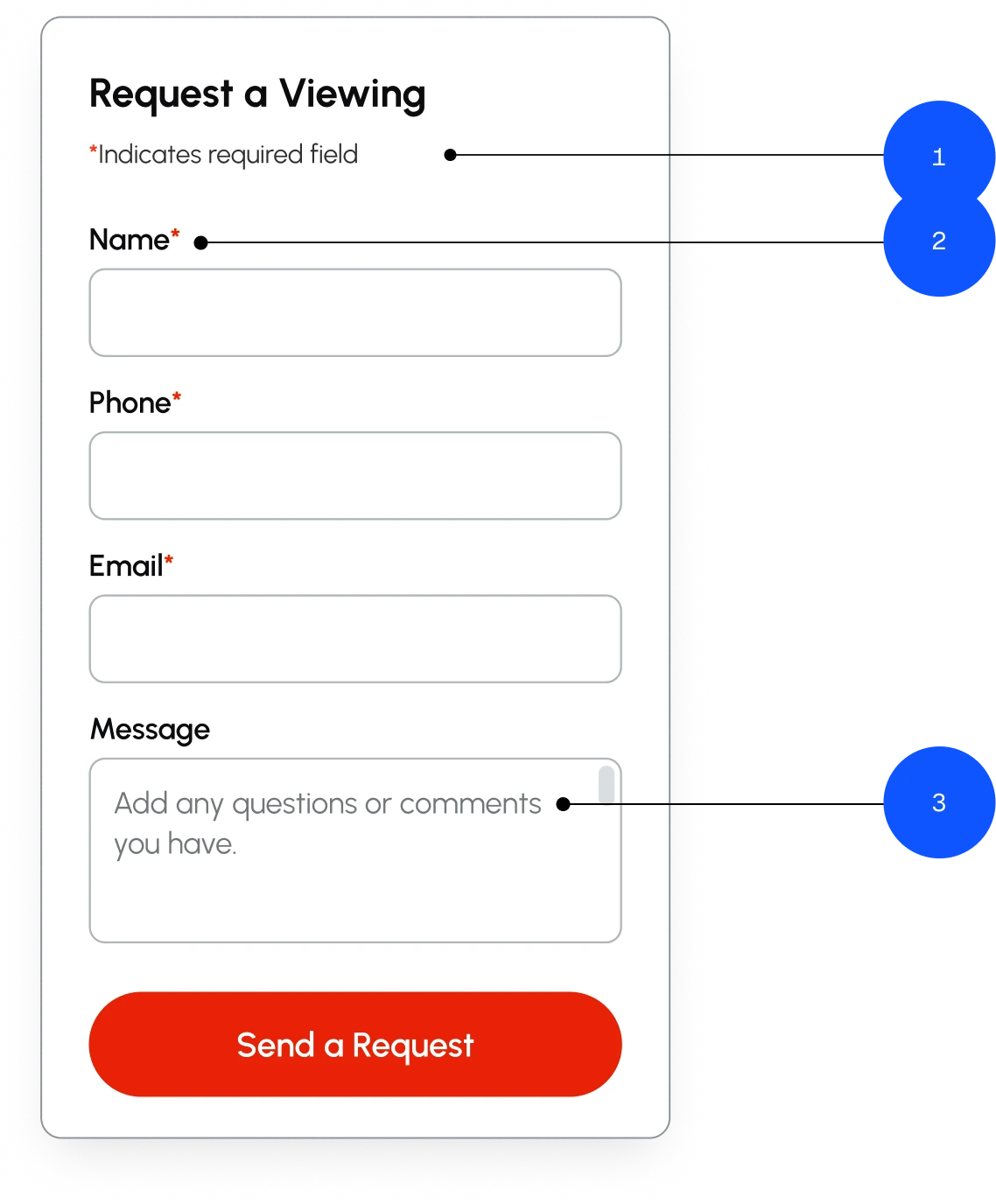
- Required fields had no indicator, so the first signal that something was missing was an error message. Nielsen’s fifth heuristic argues that better design should prevent errors in the first place.
- Placeholders were being used as labels and disappeared on focus, taking their instructions with them.
- Placeholder text lacked sufficient contrast, making the guidance harder to read before it disappeared.
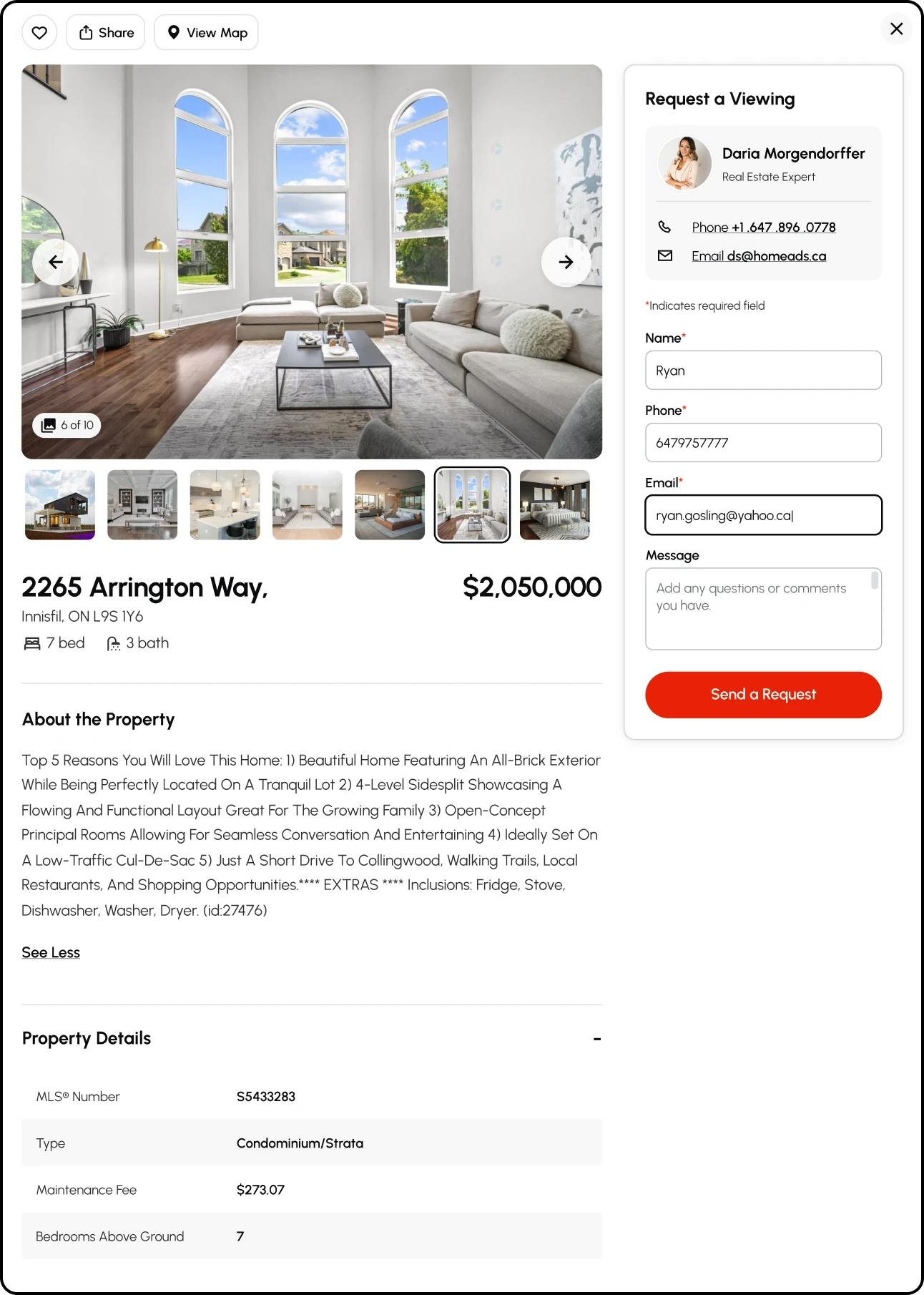
Required fields are now identified upfront, labels remain visible above fields, and placeholders are reserved for examples or additional guidance. The message field keeps a placeholder because it carries an example, and at 4.5:1 it clears contrast while still reading as quieter than the label.
Forms
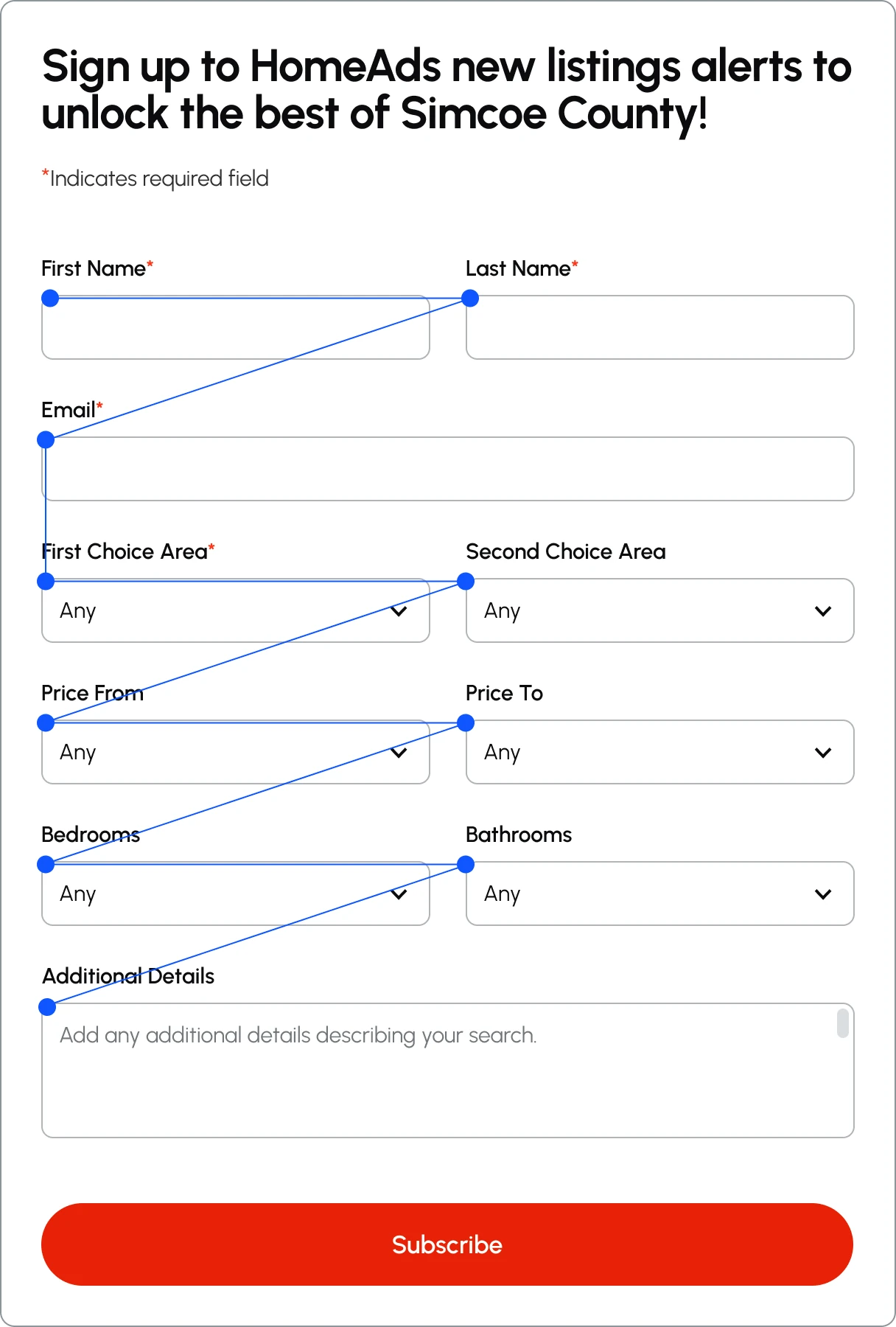
All forms on the HomeAds website felt overwhelming and required users to provide a significant amount of personal information, making completion feel like a commitment. This could create uncertainty about what would happen to their data, including concerns about spam or receiving unwanted promotional emails. The form container itself was also too wide. Longer saccades and more frequent eye fixations make information harder to scan and process, particularly when a form contains a lot of fields.
The forms were simplified in collaboration with the client. Nonessential fields were removed, leaving only the information necessary to complete the task. The narrower container also reduced the visual distance between fields, making the form easier to scan and reducing the amount of information users had to process at once.
Telling BrandRed from StatusRed
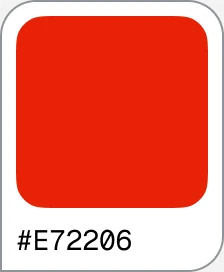
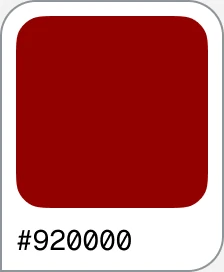
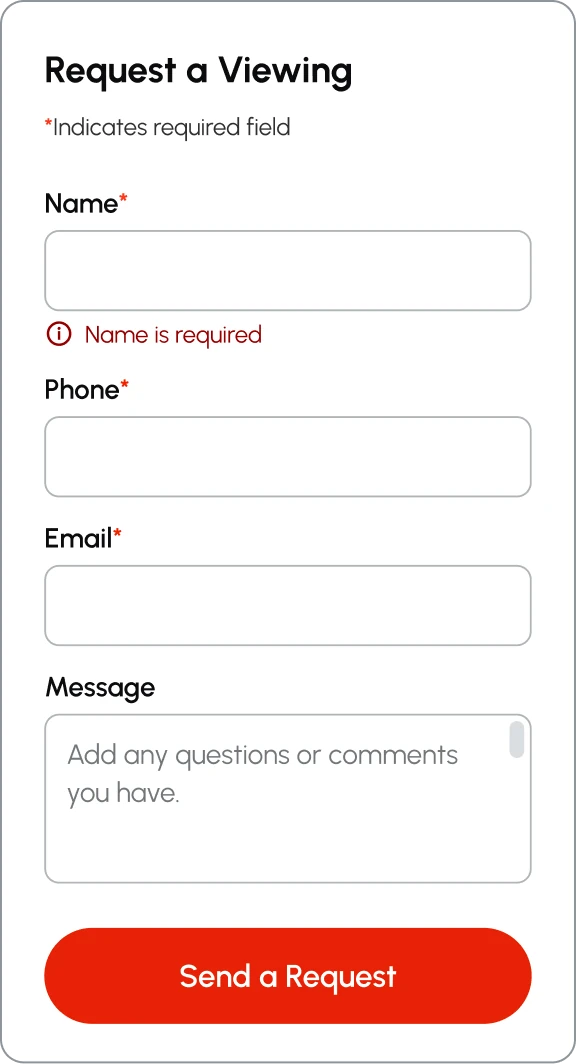
Red serves two roles in the interface: it is the HomeAds brand colour and the semantic colour for errors. Because redefining established status-colour semantic meanings is never a good idea, the two reds needed to be visually distinct without changing what red communicates as a status.
BrandRed and StatusRed were therefore separated through lightness and saturation rather than hue: StatusRed is darker and less saturated, but stays within two degrees of BrandRed’s hue. Using the CIE76 algorithm, the two measure ΔE 32 apart. A difference of around 2 is already noticeable at a glance, so an error is never mistaken for branding, yet both still read as red.
Links and microcopy
Links without a default underline need a non-colour indicator on hover, so colour is not the only way to communicate an interaction. Link text was also rewritten to describe its destination rather than relying on generic labels such as “Read more” or “Download now.” More descriptive link text gives everyone clearer context about where a link leads.

Impact
The redesign was followed by a period of significant growth for HomeAds. In the year following the launch, the business grew 60% year over year, marking a sharp change from the scale of the business before the redesign.
The new experience gave the business a clearer way to present its services and expertise as it grew. What began as an effort to resolve an outdated and fragmented user experience became part of a much larger shift.